News TV Graphics are visual broadcast elements used in livestreams, news production, YouTube Live, Facebook Live, OBS, and vMix to improve storytelling, branding, and viewer engagement. These graphics include lower thirds, breaking news alerts, tickers, live data visuals, virtual sets, and multi-window layouts.
Professional News TV Graphics are no longer limited to television studios. Independent creators, regional news channels, podcasters, and livestreamers now use free and customizable broadcast graphics to create professional-looking productions without expensive hardware or design teams.
In this guide, we explain:
– What News TV Graphics are
– Why they matter for livestreams
– The most important broadcast graphic elements
– Best tools for OBS, vMix, and YouTube Live
– How free News TV Graphics improve viewer retention and credibility
What Are News TV Graphics?
News TV Graphics are visual overlays and animated elements used during livestreams, television broadcasts, and digital news productions. They help present information clearly while improving the professional appearance of the stream.
– Lower thirds
– Breaking news alerts
– Scrolling tickers
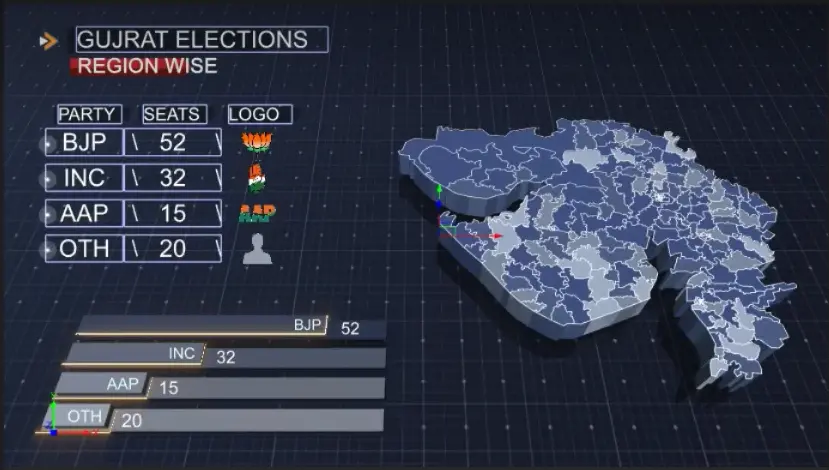
– Election graphics
– Weather overlays
– Multi-window interview layouts
– Virtual studios
– Real-time data dashboards
Why News Broadcast Graphics Matter More Than Ever
Modern audiences consume information across multiple screens—phones, tablets, TVs, and desktops—often in highly visual formats. Traditional text alone can’t keep up with these consumption habits.
Here’s how 3D news tv graphics elevate the storytelling experience:
- Enhance brand identity
- Add structure to your narrative.
- Provide fast context through visual
- Boost credibility and viewer trust
A well-placed graphic doesn’t just support the story—it becomes the story.
The Core Elements of Modern News Graphics
As graphics tools become more accessible, certain elements have emerged as staples in both professional and indie news productions. Let’s break them down:
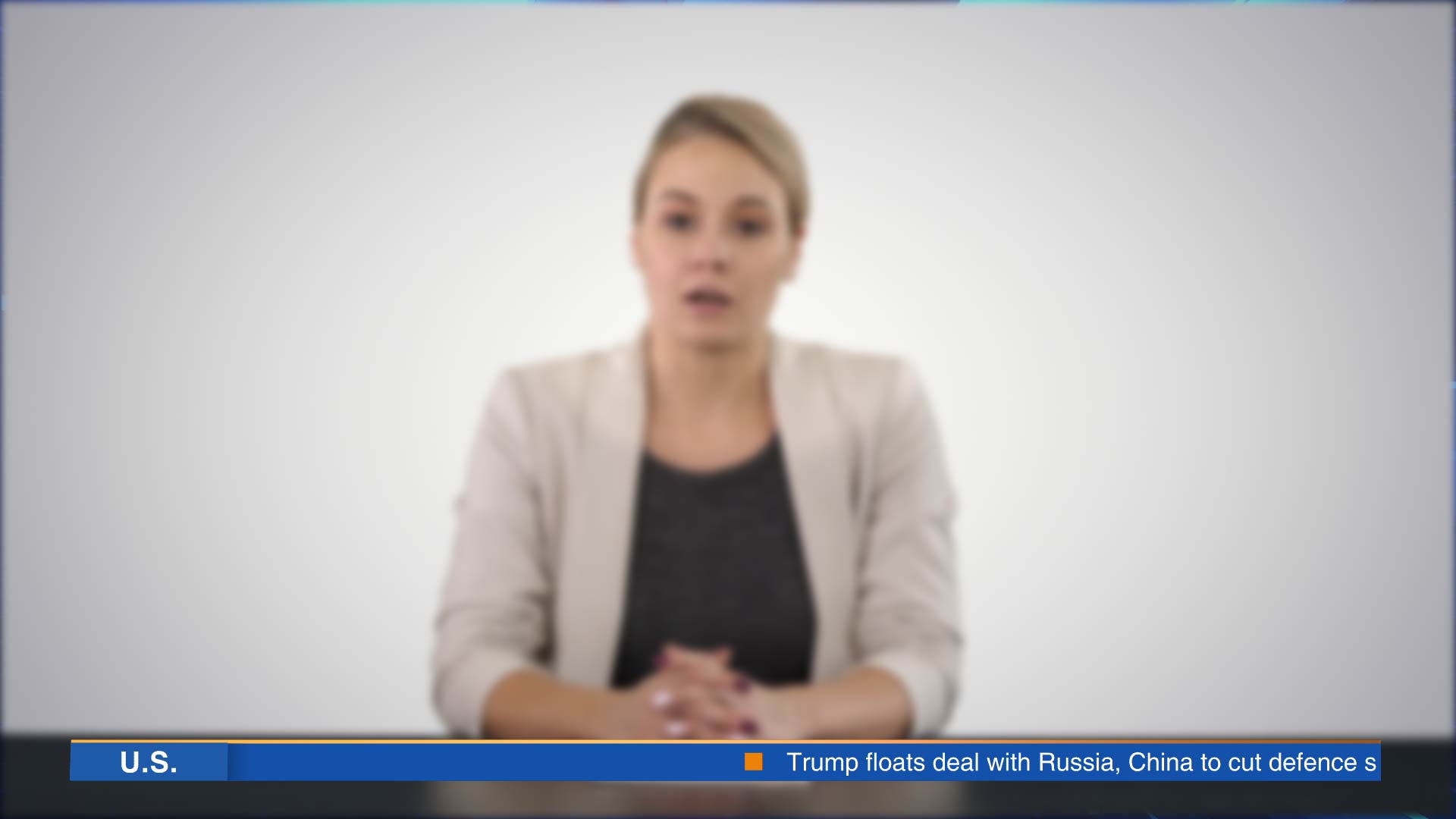
These appear at the bottom of the screen and display names, titles, or updates. They’re must-haves for interviews, reports, and breaking news.
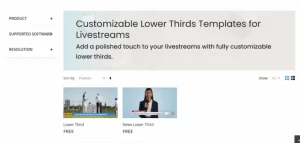
Features to look for:
- Clean fonts
- Fast customization
- Smooth in/out animations
- Breaking News Alerts
Urgent visuals that use bold colors, fast animations, and large text to grab attention.
Perfect for:
- Emergencies and disasters
- Political updates
- Live unfolding stories
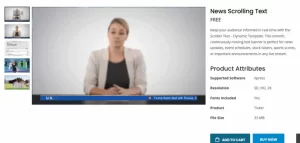
- Tickers / Scrollers
Horizontal, continuously updating text. They create a dynamic look and are useful for:
- Stock market updates
- Election results
- Sports scores
- Headlines
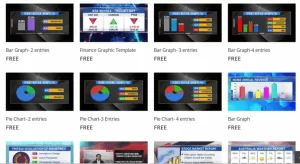
Real-time stats and visuals synced to external data sources.
Common formats:
- Weather maps
- Election dashboards
- Poll results (bar charts, pie graphs)
5. Infographics
Display supporting text or data alongside your main video.
Great for:
- Quotes
- Bullet points
- Expert facts
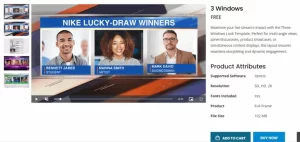
Overlay multiple videos for interviews, commentary, or reaction shots.
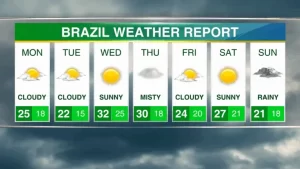
7. Weather Templates
Not just for traditional TV anymore—regional streamers and local influencers use free weather graphics to enhance credibility.
Look for:
- Icon overlays (sun, rain)
- Animated radar
- Temperature/humidity displays
Transform a simple greenscreen into a professional studio environment alongwith news TV Cg Graphics.
Why use them:
- Cost-effective
- Easy branding
- Ideal for solo creators
- Countdown Timers
Use countdowns before going live or during transitions to build anticipation. They create excitemenet in your audiences before you actually show up on live.
Use cases:
- Livestream intros
- Segment breaks
- Event launches
What Makes a News Graphic ‘Attention grabing’?
Not all templates are created equal. The best news tv graphics are designed with function first:
- Ease of Use: No design skills required
- Customization: Change colors, fonts, and logos easily
- Software Compatibility: Supports common livestream platforms like OBS, vMix, Wirecast, etc.
- Lightweight: Doesn’t lag during live production
- Responsive: Looks good on every device
Pro tip: Choose free news graphics templates that are tested on multiple screen sizes and optimized for performance.
Why Modern Livestream Audiences Expect Professional Graphics
A few years ago, polished graphics were reserved for high-budget studios. Not anymore. Today, even solo streamers can access broadcast-quality free news graphics.
Key changes:
- Access over exclusivity – Everyone wants high-quality free tools
- Speed over perfection – Real-time deployment is key
- Personal branding – Creators want graphics that reflect their tone
- Interactive graphics – Viewers now expect dynamic charts and social integration
Best News TV Graphics Software for OBS, vMix & YouTube Live
Several platforms now provide free news graphics templates and cloud-based editing tools:
- Offers plug-and-play templates for lower thirds, tickers, scrollers, and full-screen visuals
- Designed specifically for news livestreamers
- No-cost access for lean production teams
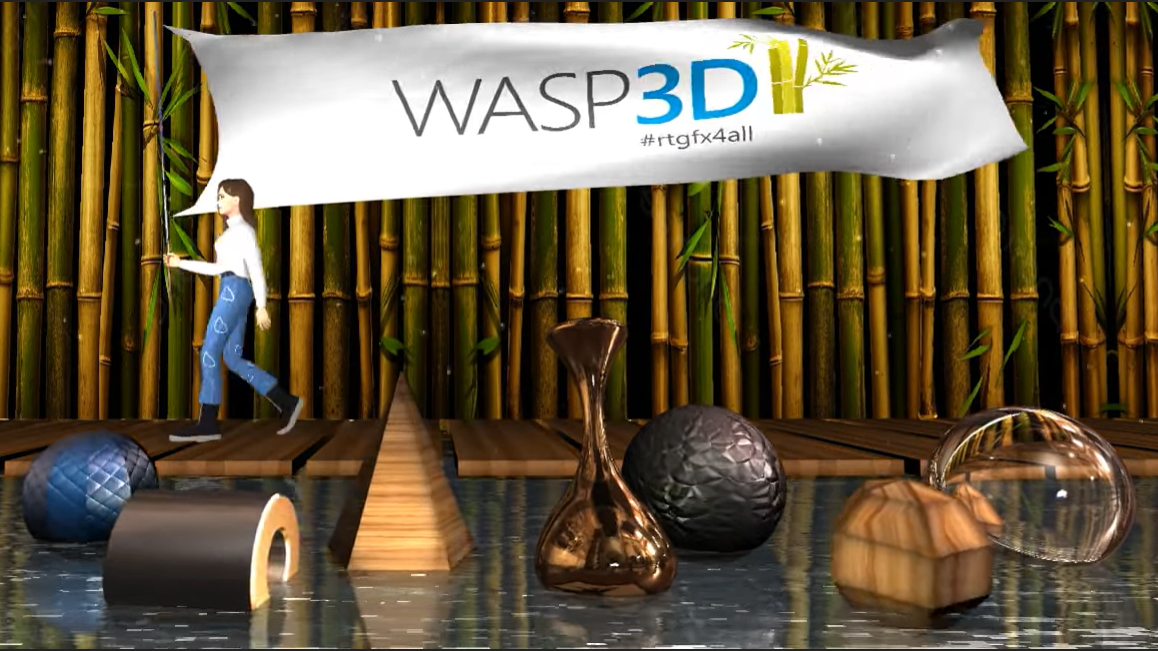
Xpress by Wasp3D
- 3D graphics tool, available for free, forever.
- Perfect for streamers without heavy software or design skills
- Provides quick and easy customization
- Has a powerful designer to bring the ideas in the livetsreams
Looking Ahead: The Upgrade in News Graphics
Expect even more innovation in how news TV graphics are produced and used:
- Live API Data Feeds – For seamless automation of live data to appear instantly on your livestreams. Tools like WASP3D Pro are seamlessly providing such services.
- Mobile-First Design – Optimized graphics for Instagram Live, Facebook, and YouTube Shorts.
The line between video content and interactive media is also blurring. Expect clickable graphics, user-driven views, and real-time viewer engagement.
Graphics Aren’t Just Support—They’re the Story
In modern journalism, free news graphics can do more than enhance a story—they often define it. Whether you’re an independent content creator or a major broadcaster, the demand for clean, smart, and scalable graphics is at an all-time high.
By mastering the visual language of news broadcast graphics, you don’t just inform your audience—you captivate them.