Introduction
For years, vMix has been a go-to choice for livestream production, known for its powerful switching capabilities and all-in-one approach. But as livestreaming evolves from simple setups to content-rich, Livestream Graphics heavy productions, many creators and studios find themselves exploring vMix alternatives that better match their specific workflows.
Some are looking for simpler, more intuitive tools like OBS Studio to get started quickly, while others want advanced control over Livestream Graphics and automation through dedicated solutions. There’s also a growing demand for flexible setups that don’t rely on a single system to handle everything.
In this blog, we’ll explore the top alternatives (both free and paid) to vMix for livestreams, focusing on tools that offer better usability, performance flexibility, and stronger livestream graphics capabilities depending on your needs.
Why Look for a vMix Alternatives for Livestream Graphics?
People usually don’t search for alternatives to vMix because it fails—they search because their requirements outgrow what it conveniently offers.
For many users, the first friction comes from performance and complexity. vMix is powerful, but it demands a strong Windows setup and a certain level of technical comfort.
As workflows get faster and more content-driven, users start looking for tools that are easier to operate and quicker to set up, such as OBS Studio for simpler productions and basic Livestream Graphics handling.
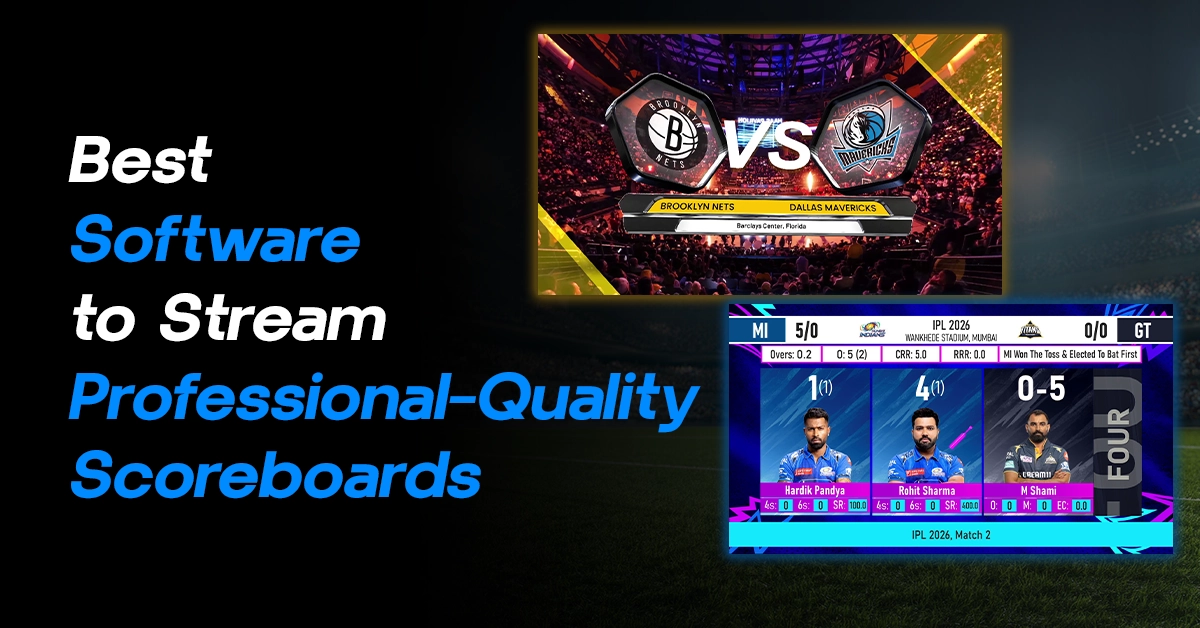
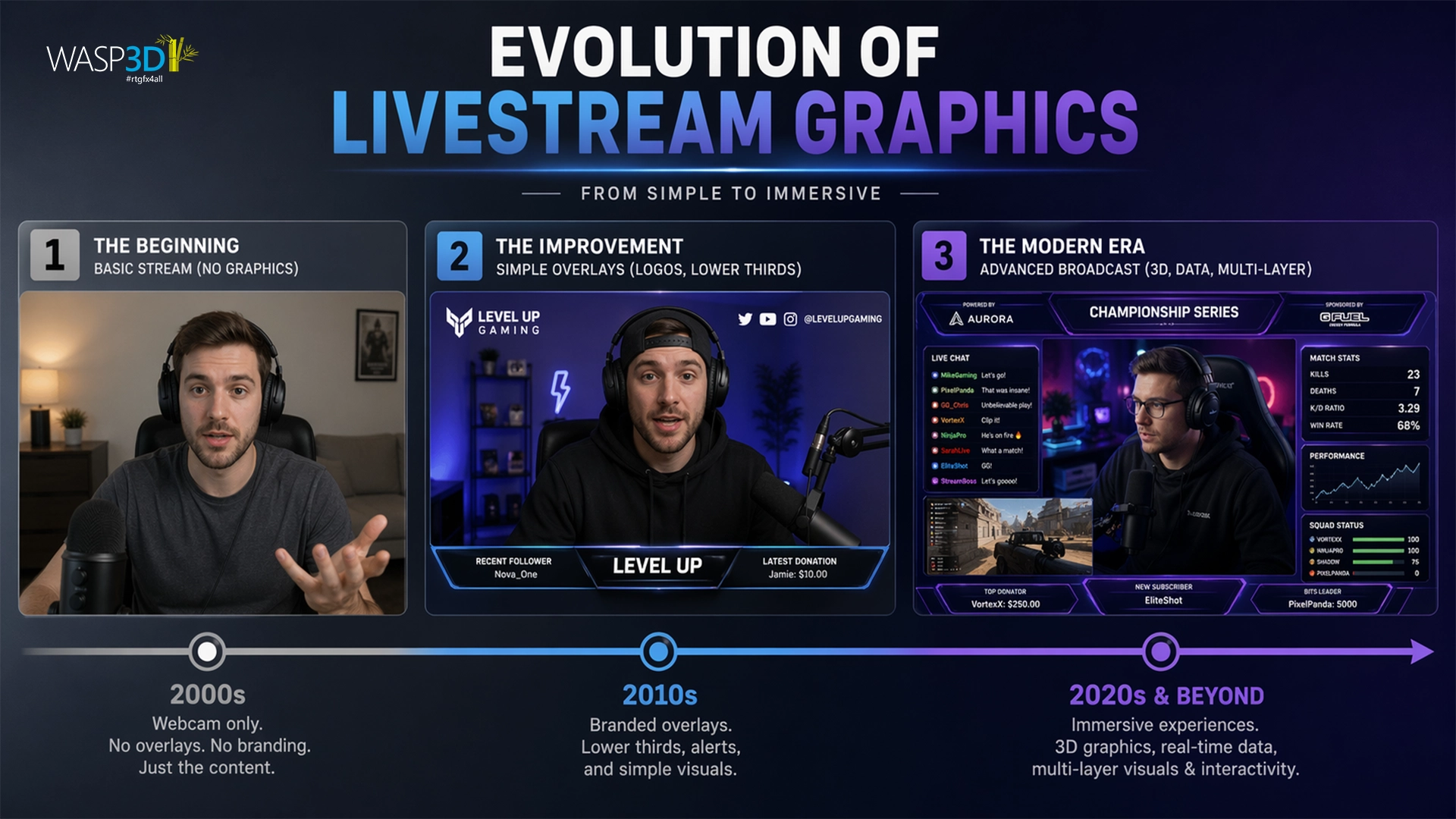
Another major trigger is graphics capability. While vMix supports overlays and basic titles, it isn’t built for advanced design, animation, or template-driven graphics workflows. This leads users especially in sports and live content to explore dedicated tools that offer more control over visual output.
There are also practical limitations like Windows-only support and a one-size-fits-all approach.
In short, the search for “vMix alternatives” is less about replacing a tool and more about finding a setup that is lighter, more flexible, and better aligned with modern Livestream Graphics needs.
When compared to modern graphics expectations, vMix lacks:
- Advanced 3D capabilities
- Real-time data integration at scale
- Flexible design workflows
This is exactly why users start exploring alternatives.
Another reason is workflow control. In professional environments, graphics are often handled separately from switching. This allows for more control, faster updates, and better visual quality. There’s also an increasing demand for data-driven content.
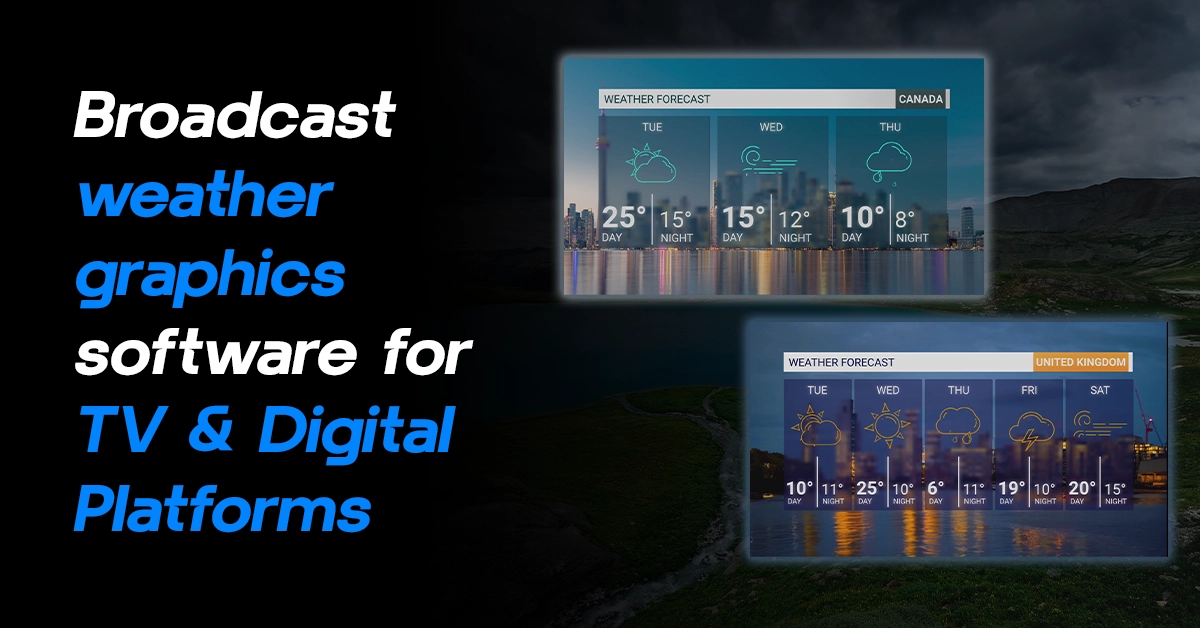
Whether it’s sports scores, election dashboards, or financial updates, modern livestreams need Livestream Graphics that update instantly based on live data.
What Makes a Good Livestream Graphics Tool
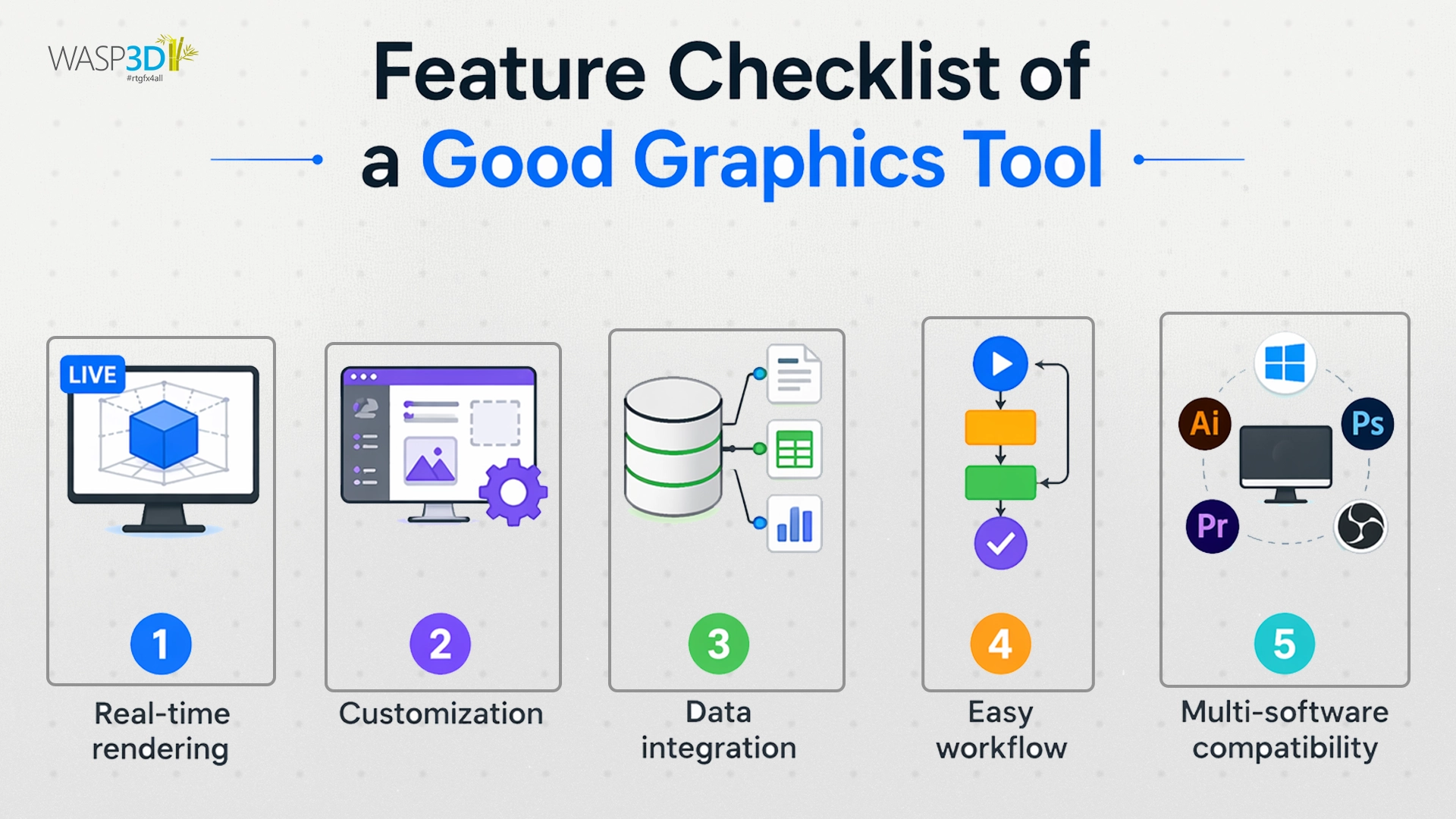
Before jumping into the list, it’s important to understand what matters in a Livestream Graphics solution while searching for vMix alternatives:
- The tool should support real-time rendering. Graphics should appear instantly and smoothly without lag.
- It should allow easy customization. Not everyone is a designer, so having ready-made templates or no-code tools makes a big difference.
- Data integration is becoming essential. The ability to connect JSON, APIs, or spreadsheets can transform static visuals into dynamic Livestream Graphics.
The tool should fit into your existing setup whether you’re using OBS, vMix, or any other streaming software.
List Of Top 5 vMix Alternatives for Livestream Graphics
Closest Free Alternative
OBS Studio (Free)
OBS Studio is often the first name that comes up when talking about a vMix alternative. It’s free, open-source, and highly flexible. For livestreams, OBS allows you to add basic overlays, images, text, and browser-based elements.
With plugins, you can extend its livestream graphics capabilities even further. However, when it comes to advanced graphics, especially 3D visuals or real-time data-driven Livestream Graphics OBS starts to feel limited. It’s a great starting point, but not ideal for high-end production needs.
For High-End Livestream Graphics (Free)
WASP3D Xpress: Free 3D Livestream Graphics Software
WASP3D Xpress stands out immediately because it is free for a lifetime. There are no watermarks, and you don’t need any design experience to get started. What makes it different is how accessible it is for creating professional Livestream Graphics.
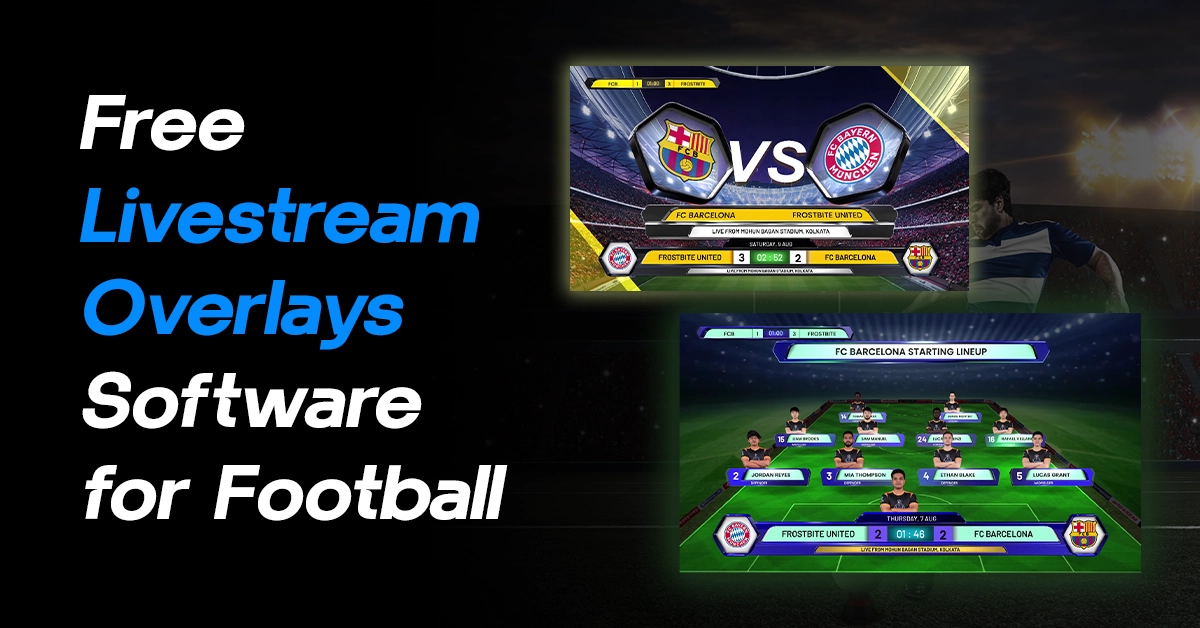
It comes with ready-made templates for tickers, scrollers, lower thirds, name bands, and more. These are not basic overlays they are designed to match the look and feel of professional broadcast graphics.
Another strong point is its 3D graphics capability. Whether you are streaming news, sports, esports, live events, or even elections, the visuals feel more dynamic and engaging.
The design system is also quite intuitive. You can create Livestream Graphics using shapes, meshes, textures, and materials without writing any code. It’s a no-code environment, but still powerful enough for complex designs.
Managing graphics during a live stream is often stressful, but the playlist manager simplifies this. You can preview, reorder, and control Livestream graphics easily, which makes live production smoother.
Content updates are also easy. Instead of going back to a design tool, you can edit text and data directly through simple forms. Even rich text formatting like bold or italics is supported. For handling more complex data, there’s a feature called User-Defined Tables (UDT), making data-driven Livestream graphics easy to manage.
One small but important feature is responsive graphics. When a new graphic appears on screen, existing elements automatically adjust their position, keeping your graphics layout clean and professional. Learn how to download Xpress here:
WASP3D PRO: Data-Driven Livestream Graphics
While Xpress is great for getting started, WASP3D PRO is built for serious, data-driven Livestream Graphics production.
The biggest upgrade here is live data integration. You can connect to JSON, XML, SQL, RSS feeds, esports APIs, and more, allowing your livestream graphics to update in real time.
This is especially useful for:
- Sports scoreboards
- Election dashboards
- Financial data streams
- News updates
Instead of manually updating graphics, everything can be automated. This makes your livestream graphics workflow faster, more accurate, and scalable.
Streamer-Focused vMix Alternative
Streamlabs Desktop (Freemium)
Streamlabs Desktop builds on OBS and makes it more beginner friendly. It comes with pre-built themes, widgets, and overlays, which makes it easier for new streamers to get started quickly.
For basic livestream graphics, it works well. You can add alerts, chat boxes, and simple overlays without much effort. But again, the limitation is clear when you need more control. Advanced livestream graphics workflows are not its strong suit.
Complexity-Focused Alternative
Wirecast (Paid)
Wirecast is a professional live production tool that includes built-in graphics capabilities. It sits somewhere between beginner tools and full broadcast solutions.
You can create titles, overlays, and even some animated elements. It’s more polished than OBS or Streamlabs in many ways. However, it still follows the all-in-one approach, which limits flexibility for advanced livestream graphics workflows.
An All-in-One Livestream Graphics Solution
WASP3D Fluid DVE
If you’re exploring alternatives to vMix, most tools either give you switching or live stream graphics—rarely both at a truly professional level.
Fluid DVE combines high-end 3D livestream graphics with a complete production workflow. From multi-layer switching and transitions to real-time scene control, everything can be managed within a single interface.
It supports modern workflows like NDI pipelines, integrates with Zoom and Microsoft Teams, and allows you to bring in remote guests easily. It can also stream directly, making it a powerful unified solution for live stream graphics and production.
For data-heavy productions like sports, news, or live shows, Fluid DVE ensures your Livestream graphics stay dynamic, accurate, and in sync with your content.
Which vMix Alternative Should You Choose for Livestream Graphics?
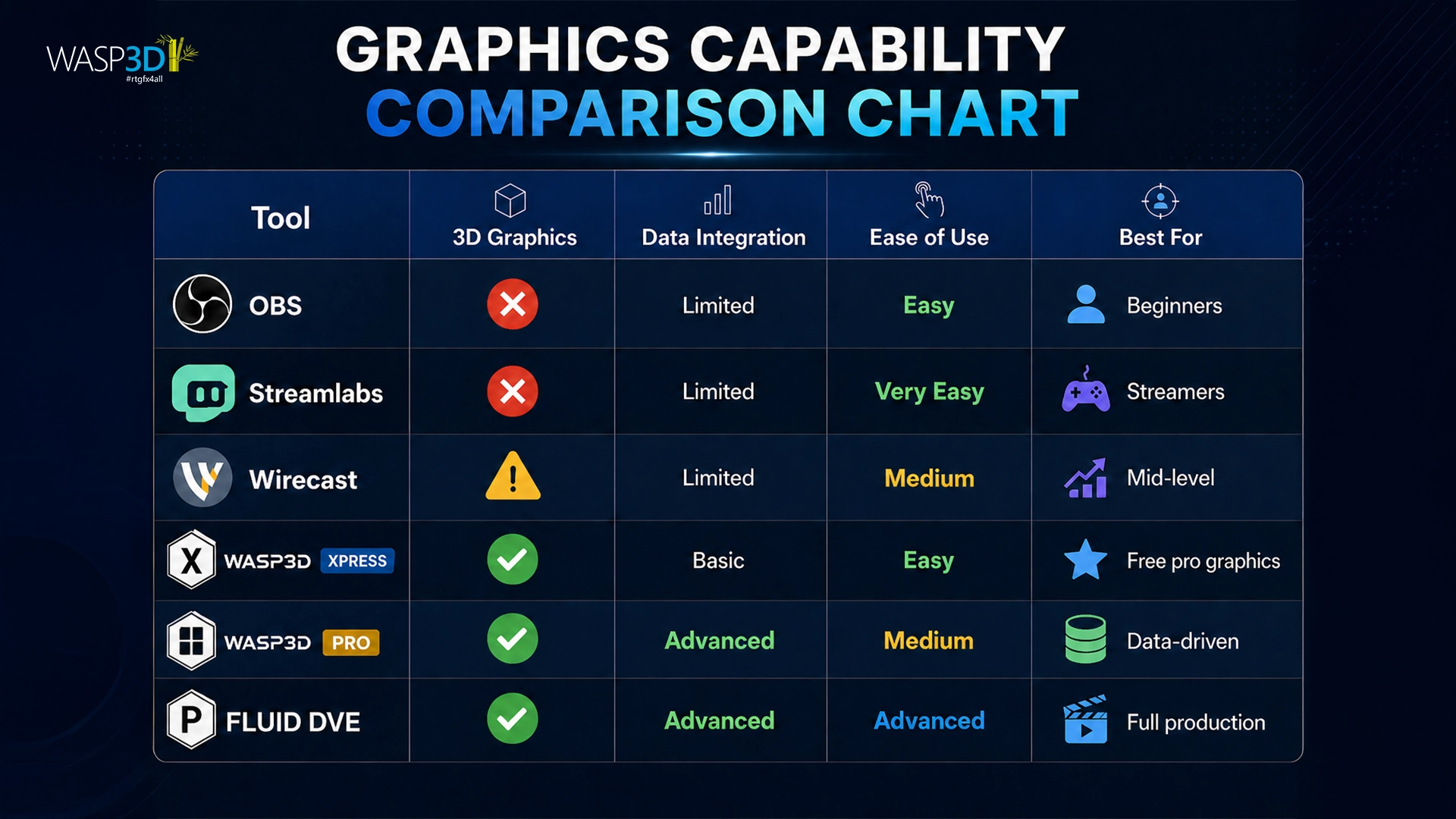
The right choice depends on your needs. If you are just starting out, OBS or Streamlabs can handle basic graphics. If you want a more polished experience, Wirecast is a solid option.
But if your focus is specifically on high-quality or data-driven graphics, then moving toward a dedicated solution like WASP3D makes more sense.
Xpress is perfect for beginners who want professional livestream graphics without cost. PRO and Fluid DVE are ideal for advanced users who need automation, integration, and scalability.
Conclusion
The search for a vMix alternative often starts with streaming but quickly shifts toward Livestream Graphics. That’s because visuals play a huge role in how your content is perceived.
All-in-one tools are convenient, but they have limitations. As livestreaming continues to evolve, more creators are adopting dedicated tools for graphics.
Whether you choose a simple tool or a more advanced setup, the goal remains the same: creating engaging, clear, and professional graphics that elevate your content.
Frequently Asked Questions
1. What is the best alternative to vMix for livestreaming?
The best alternative depends on your requirements. OBS Studio is a popular free option, while Fluid DVE is a specialized graphics solutions offering additional capabilities for professional productions along with Live Streaming.
2. Why do users look for vMix alternatives?
Many users seek alternatives due to pricing, Windows-only compatibility, learning curve, or the need for more advanced graphics and automation features.
3. Is there a free alternative to vMix?
Yes. OBS Studio is considered one of the most popular free alternatives to vMix and supports livestreaming, recording, and custom plugins.
4. Which vMix alternative is easiest for beginners?
Solutions such as WASP3D Xpress is generally considered easier for beginners because they require minimal setup with advanced capabilities.