Introduction
Whether you’re watching a live news bulletin, a cricket match, election coverage, or a corporate webcast, you’ve likely noticed the scrolling text running along the bottom of the screen. While it may appear to be a simple graphic, a scrolling news ticker plays an essential role in delivering real-time updates without interrupting the main broadcast.
As live production continues to expand across television, OTT platforms, YouTube, and social media, broadcasters need reliable tools that can deliver dynamic graphics quickly and accurately. From breaking news and sports scores to financial updates and event announcements, the best tools to create scrolling ticker help production teams create automated, data-driven graphics that keep audiences informed.
Choosing the right solution, however, isn’t always easy. Some platforms are designed for individual creators and live streamers, while others offer enterprise-grade automation, newsroom integration, and real-time graphics for television broadcasters.
In this guide, we’ll explain how scrolling news ticker software works, why it’s important, compare the best tools to create scrolling ticker in 2026, explore the key features to look for, and show how WASP3D simplifies professional broadcast graphics.
What Is Scrolling News Ticker Software?
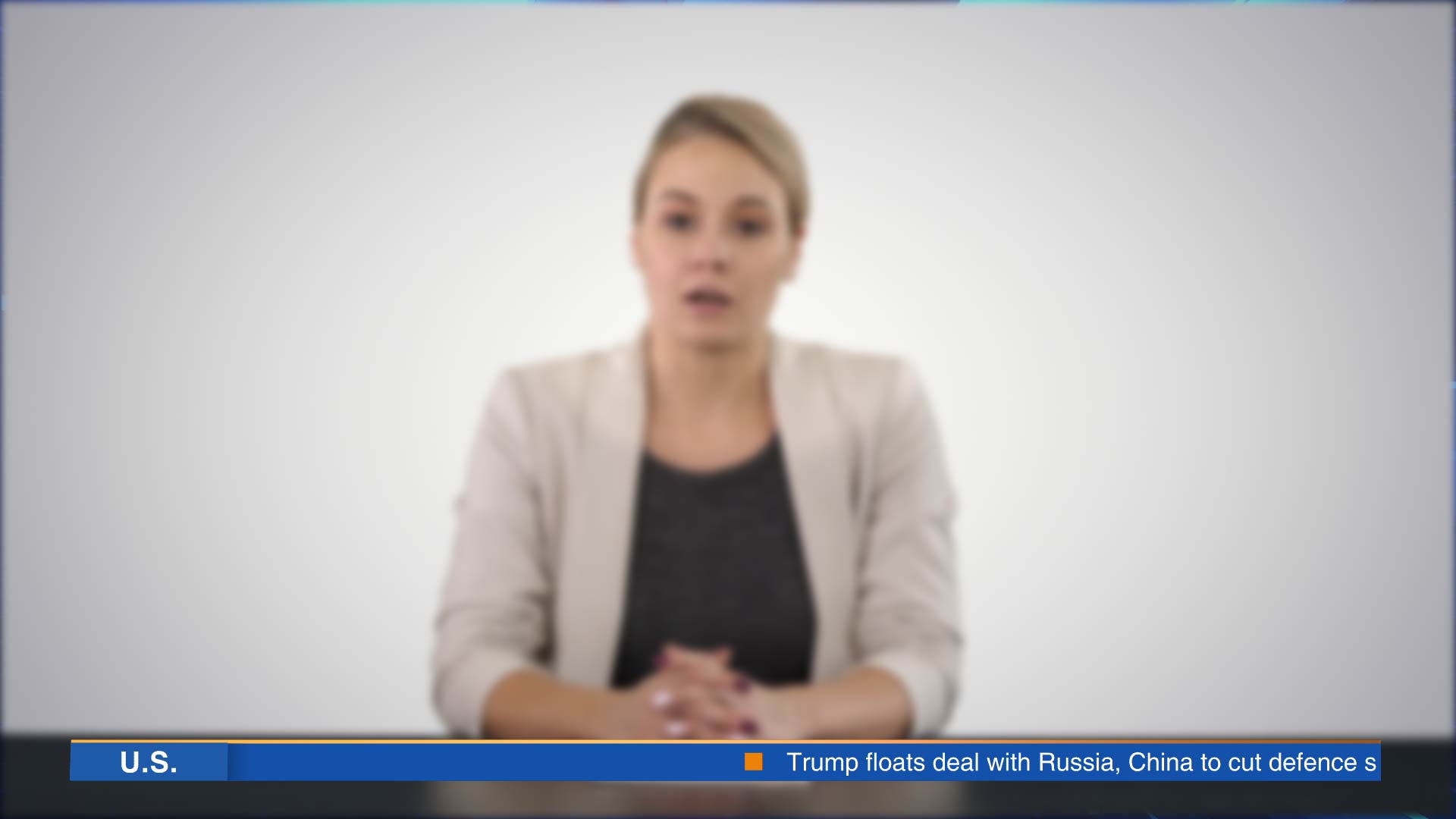
A scrolling news ticker is a moving text banner that continuously displays information during a live broadcast or livestream. Unlike static captions, it delivers real-time updates while the main program continues uninterrupted.
Professional scrolling news ticker software enables broadcasters to create, customize, schedule, and automate these graphics. Instead of manually updating text during a live show, modern platforms can pull information directly from RSS feeds, APIs, spreadsheets, XML, JSON, or databases, ensuring viewers always see the latest information.
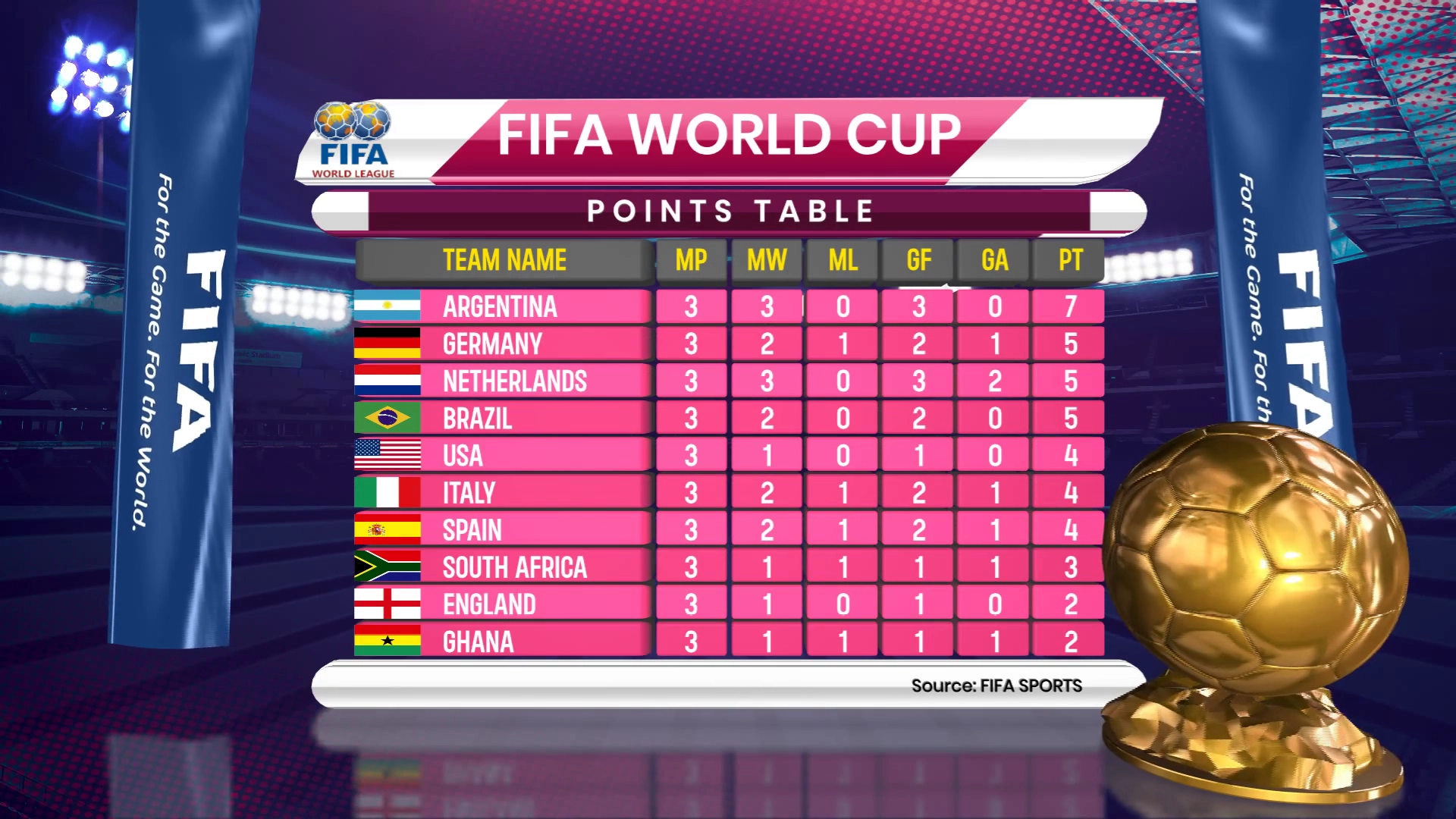
These graphics are widely used across industries. News channels display breaking headlines, sports broadcasters show live scores and fixtures, financial networks stream market updates, while corporate events use tickers for schedules, announcements, and sponsor messages.
The best tools to create scrolling ticker also provide complete control over branding. Users can customize fonts, colors, logos, animations, layouts, and scrolling speed while combining tickers with lower thirds, scoreboards, countdown timers, and other broadcast graphics to create a professional viewing experience.

Why Scrolling News Ticker Matter in Live Broadcasts
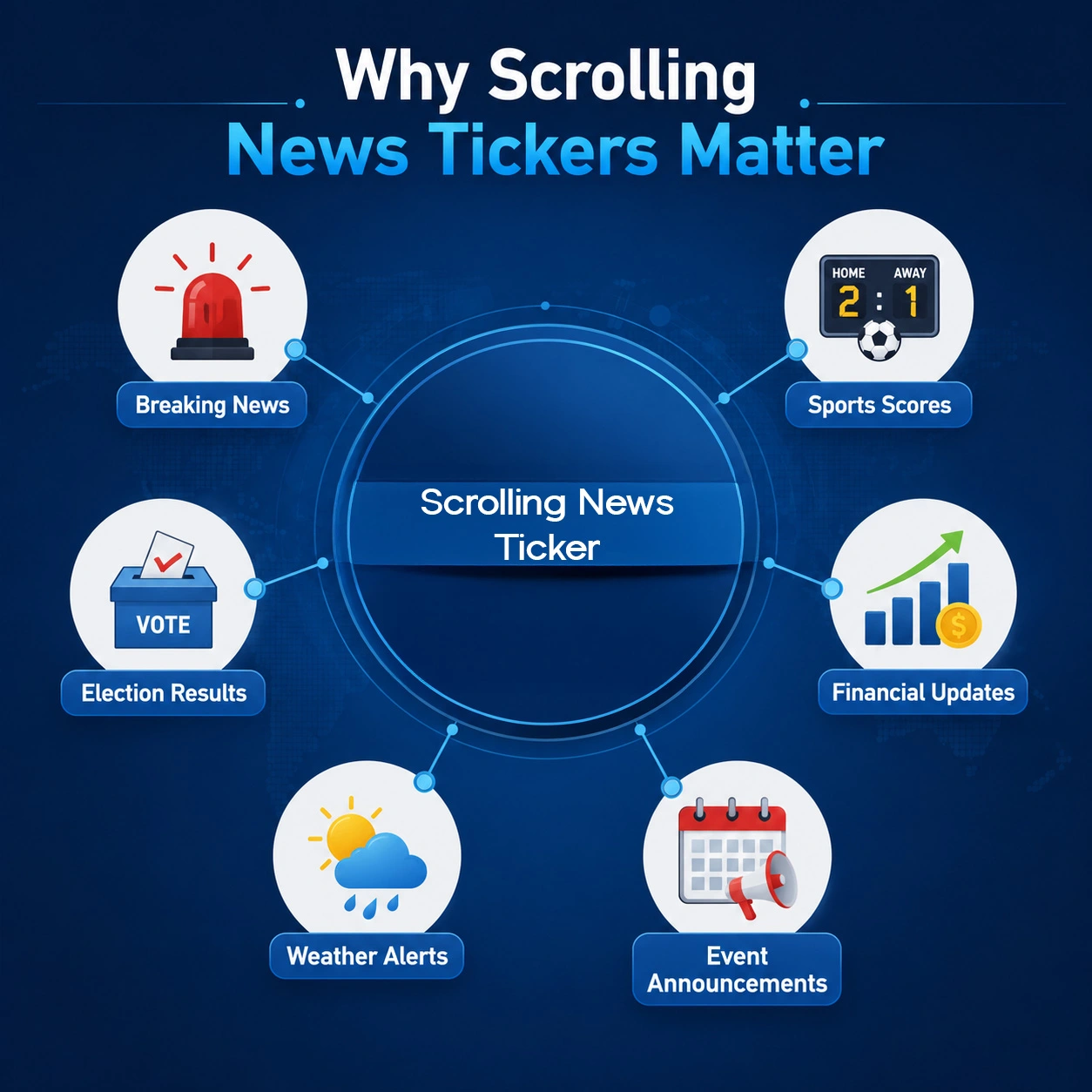
Live broadcasts rely on speed and accuracy. Whether covering breaking news, elections, sports, or financial markets, broadcasters need a reliable way to deliver updates without disrupting the program.
Scrolling news ticker make this possible by presenting real-time information while presenters continue speaking. News organizations can publish headlines instantly, sports broadcasters can display scores and statistics, while businesses and event organizers can share announcements throughout live events.
Beyond delivering updates, scrolling ticker improve viewer engagement and reinforce brand identity. When paired with professional live graphics software, they help broadcasters maintain a consistent visual experience across television, websites, OTT platforms, and social media.
What Are the Best Tools for Creating a Scroll Ticker?
With dozens of graphics solutions available today, selecting the right scrolling news ticker software depends on your production requirements. Some platforms are ideal for creators who need simple scrolling text for livestreams, while others are built for broadcasters managing real-time data, multiple channels, and professional graphics workflows.
To help you choose, we’ve compared the best tools to create scrolling ticker for professional broadcasts, covering solutions that offer reliable scrolling ticker capabilities. This list includes free, affordable, and enterprise-grade solutions suitable for different production environments.
WASP3D
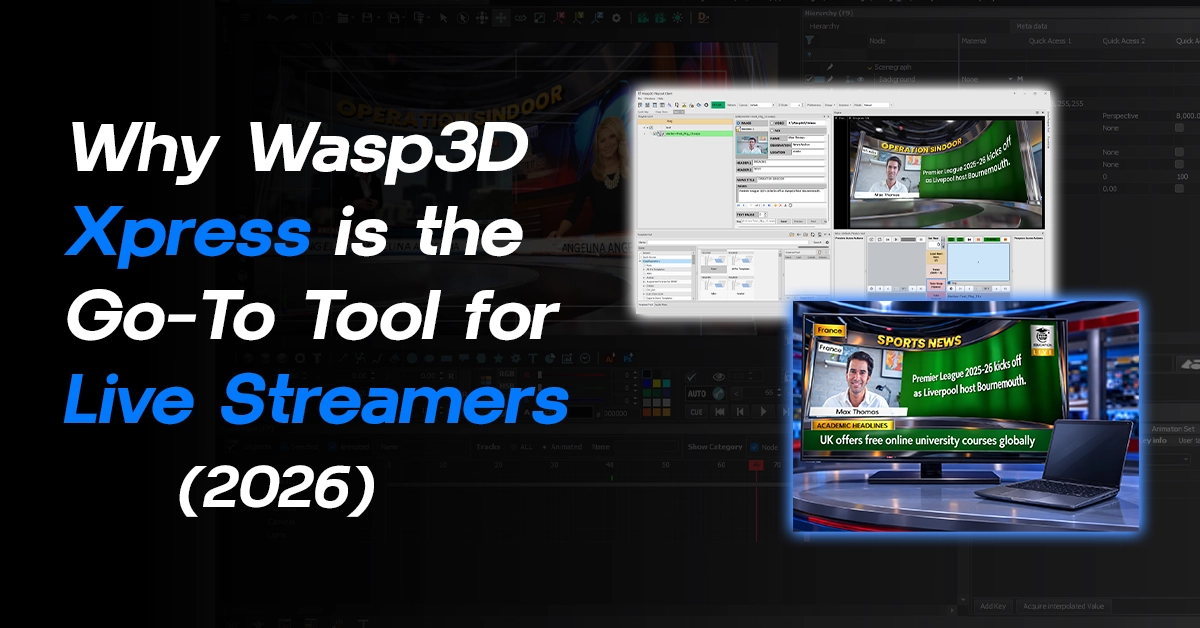
WASP3D is much more than scrolling news ticker software. It is a complete live graphics platform designed for news channels, sports broadcasters, election coverage, corporate events, and professional television productions.
Its scrolling ticker integrate seamlessly with lower thirds, breaking news graphics, scoreboards, social media feeds, and other broadcast overlays. More importantly, WASP3D supports real-time data integration through APIs, RSS feeds, spreadsheets, XML, and JSON, allowing graphics to update automatically without manual intervention.
Best for: Professional broadcasters, television networks, sports productions, and organizations looking for an all-in-one live graphics solution.
Pros
- Real-time data integration
- Highly customizable templates
- Broadcast-quality graphics
- Automated workflows
- Scalable for productions of all sizes
Limitations
- Designed primarily for professional broadcast environments and may offer more functionality than casual streamers require.

vMix
vMix is a popular live production platform that combines switching, recording, streaming, and graphics within a single application. It includes built-in tools for creating scrolling ticker, dynamic titles, and branded graphics while supporting spreadsheet-based data updates for live productions.
Its combination of affordability and functionality makes it a strong choice for organizations that prefer an all-in-one production workflow rather than purchasing multiple applications.
Best for: Churches, educational institutions, sports streaming, and corporate events.
Pros
- Affordable pricing
- Easy to learn
- Built-in graphics tools
- Supports NDI and multiple streaming platforms
Limitations
- Graphics customization is less advanced than dedicated broadcast graphics software.
OBS Studio (with Ticker Plugins)
OBS Studio is one of the world’s most popular free live streaming applications. While it doesn’t include professional ticker functionality by default, browser sources and third-party plugins allow users to create scrolling text overlays quickly.
For independent creators, YouTubers, Twitch streamers, and beginners, OBS provides an excellent starting point for adding live graphics without additional software costs. However, larger broadcasters may eventually require more advanced automation and newsroom integration.
Best for: Beginners, content creators, YouTubers, and small live streaming setups.
Pros
- Completely free
- Large plugin ecosystem
- Active community support
- Works across Windows, macOS, and Linux
Limitations
- Requires third-party plugins for advanced ticker functionality.
- Limited automation compared to professional broadcast graphics platforms.
While OBS Studio provides a flexible way to add scrolling text, seeing the process in action can make setup much easier. Watch the tutorial below to learn how to create a scrolling text ticker, add a timer, and include your logo in an OBS livestream.
Tutorial Link: https://www.youtube.com/watch?v=VaBa7uBtceQ
Streamlabs Desktop
Built on OBS technology, Streamlabs Desktop focuses on making live streaming simple and accessible. It includes built-in overlays, alerts, widgets, and customizable scrolling text for announcements, sponsor messages, and promotional content.
Although it isn’t designed for television broadcasting, it offers an easy way for creators to produce professional-looking streams without a complicated setup.
Best for: Content creators, influencers, and gaming streamers.
Pros
- Beginner-friendly interface
- Integrated streaming tools
- Custom overlays
- Quick setup
Limitations
- Not intended for television broadcasting or newsroom automation.
SPX Graphics
SPX Graphics is an HTML5-based graphics platform designed for broadcasters who need flexible and easy-to-manage live graphics. It enables users to create scrolling ticker, lower thirds, scoreboards, and other broadcast overlays using customizable templates without requiring advanced graphic design skills.
Its cloud-friendly workflow and browser-based operation make it a practical choice for remote production teams and organizations looking for a lightweight graphics solution.
Best for: Schools, churches, sports clubs, online broadcasters, and remote productions.
Pros
- HTML5-based graphics
- Cloud-ready workflow
- Easy template management
- Affordable for smaller organizations
Limitations
- Fewer advanced automation features than enterprise broadcast graphics platforms.
CasparCG
CasparCG is one of the most popular open-source broadcast graphics servers used by broadcasters and developers worldwide. It supports scrolling ticker, lower thirds, scoreboards, election graphics, and a wide range of real-time broadcast overlays.
Although it requires technical expertise to configure, CasparCG offers exceptional flexibility and reliability without licensing costs, making it an attractive option for organizations with in-house development teams.
Best for: Developers, universities, experimental broadcast projects, and budget-conscious television stations.
Pros
- Free and open source
- Highly customizable
- Strong community support
- Suitable for professional broadcasts
Limitations
- Requires technical expertise for deployment and maintenance.
Singular.live
Singular.live is a cloud-native graphics platform that enables broadcasters to create interactive graphics, scrolling ticker, scoreboards, and live data visualizations entirely through a web browser.
Its collaborative workflow allows multiple operators to manage graphics simultaneously, making it an excellent choice for remote production environments and digital-first broadcasters.
Best for: Digital broadcasters, remote production teams, and OTT platforms.
Pros
- Cloud-based workflow
- Real-time collaboration
- Responsive HTML5 graphics
- Easy remote access
Limitations
- Subscription pricing may be higher for smaller organizations.
Which Scrolling News Ticker Software Should You Choose?
The right scrolling news ticker software depends on your production requirements rather than simply choosing the most feature-rich platform.
If you’re just starting with live streaming, OBS Studio or Streamlabs Desktop provide an affordable way to add scrolling text and basic graphics. Organizations looking for greater flexibility may find vMix or SPX Graphics to be excellent choices for growing productions.
For broadcasters that require advanced automation, real-time data integration, professional broadcast overlays, and scalable workflows, platforms such as WASP3D, Singular.live, CasparCG, and Ross Video XPression provide capabilities that extend far beyond basic scrolling ticker.
As your production grows, investing in the professional broadcast graphics solutions can help streamline operations while supporting professional live broadcast workflows, maintain consistent branding, and deliver a polished viewing experience across television, digital platforms, and live streams.
Can News Ticker Be Customized for Different News Outlets?
Absolutely. One of the biggest advantages of professional scrolling news ticker software is its flexibility. Every broadcaster has unique branding, editorial priorities, and audience expectations, making customization essential for delivering a consistent viewing experience.
Professional news ticker software allows broadcasters to tailor every aspect of a ticker, including fonts, colors, logos, animations, layouts, and scrolling speed. Whether it’s a national news channel, sports broadcaster, financial network, or corporate event, graphics can be customized to match the organization’s visual identity without redesigning them for every broadcast.
Modern platforms also let producers create multiple ticker templates for different programs. For example, a news bulletin can display breaking headlines, while sports coverage highlights live scores and fixtures, and financial broadcasts show market updates—all using separate branded templates within the same workflow.
For multilingual broadcasters, Unicode support ensures ticker display regional languages accurately, making them suitable for international and regional television networks.
Another major advantage is real-time data integration. Instead of manually updating every headline, professional solutions can automatically pull information from:
- RSS feeds
- APIs
- XML and JSON files
- Google Sheets or Excel
- Sports scoring systems
- Election databases
- Financial market feeds
- Weather services
As the source data changes, the ticker updates instantly, reducing manual work and improving accuracy during live broadcasts.
Beyond news updates, broadcasters also use scrolling ticker for emergency alerts, weather warnings, public announcements, event schedules, and sponsor messages, allowing production teams to communicate important information without interrupting the main program.
Learn how to create scrolling text ticker and add a timer & Logo for your livestream.
Full Video:
Features to Look for in News Ticker Software
Choosing the right scrolling news ticker software goes beyond displaying moving text. The best tools to create scrolling ticker should improve production efficiency, support automation, and integrate seamlessly into your existing workflow.
Real-Time Content Updates
Whether you’re covering breaking news, sports, or elections, the software should update graphics instantly without interrupting the live broadcast.
Data Integration and Automation
Look for platforms that support APIs, RSS feeds, XML, JSON, spreadsheets, and databases. Automated data integration minimizes manual updates while improving speed and accuracy.
Customizable Templates
Your graphics should reflect your brand. Choose software that lets you customize fonts, colors, logos, layouts, animations, and multiple templates for different programs.
Multi-Platform Broadcasting
Modern broadcasters often stream simultaneously to television, YouTube, Facebook Live, OTT platforms, and corporate websites. A good graphics solution should support multiple output channels from a single workflow.
Broadcast Compatibility
Ensure the platform integrates with your existing production setup through technologies such as NDI, SDI, newsroom systems, and switching software.
Ease of Use
An intuitive interface and efficient template management help production teams focus on delivering great broadcasts rather than managing complex graphics.
How WASP3D Simplifies Professional Scrolling News Ticker
While many platforms offer scrolling ticker functionality, broadcasters often need a complete graphics ecosystem capable of managing every visual element in a live production.
WASP3D delivers exactly that. Instead of functioning as standalone scrolling news ticker software, it provides a comprehensive live graphics platform for television broadcasters, sports productions, election coverage, corporate events, and live streaming.
Its scrolling ticker integrate seamlessly with lower thirds, breaking news graphics, scoreboards, countdown timers, social media feeds, and other broadcast overlays, allowing broadcasters to maintain consistent branding throughout every production.
WASP3D also supports dynamic data integration through APIs, RSS feeds, XML, JSON, and spreadsheets, ensuring graphics update automatically with real-time information. Whether displaying breaking news, live sports scores, election results, or financial data, broadcasters can automate updates without interrupting the broadcast.
Another advantage is its template-driven workflow. Designers can create multiple branded graphics packages, allowing operators to switch instantly between different programs while maintaining a consistent visual identity.
Beyond scrolling ticker, WASP3D Xpress, PRO, Virtual Set, and Fluid DVE are to deliver a complete broadcast graphics workflow, including:
- Professional lower thirds
- Breaking news graphics
- Election graphics
- Sports scoreboards
- Virtual studio environments
- Data-driven graphics
- Full-screen presentations
- Animated transitions
- Multi-screen broadcast overlays
For broadcasters planning long-term growth, WASP3D offers a scalable solution that extends far beyond basic ticker graphics.
Scrolling News Ticker vs Lower Third Graphics
Although scrolling news ticker and lower thirds appear in the same area of the screen, they serve different purposes during a live broadcast.
A scrolling news ticker continuously delivers real-time information such as breaking news, live scores, weather alerts, election results, stock market updates, and public announcements without interrupting the main program.
Lower thirds, on the other hand, are static or animated graphics used to identify speakers, introduce topics, display headlines, or provide context during interviews and presentations. They usually remain on screen for a short period before disappearing.
In simple terms, a lower third tells viewers who or what they are watching, while a scrolling ticker informs them what else is happening at the same time.
The best tools to create scrolling ticker combine both graphics within a single workflow, allowing broadcasters to display lower thirds alongside scrolling ticker for a seamless and engaging viewing experience.
How to Design Scrolling Ticker
Designing a professional scrolling ticker involves more than simply adding moving text. The right combination of typography, colors, animations, logos, and timing can improve readability while maintaining a polished on-air appearance. If you’re using OBS Studio, watch the tutorial below to learn how to create a scrolling text ticker, add a timer, and include your logo in a live stream.
Watch Now:
Best Practices for Designing Broadcast News Ticker
A well-designed scrolling ticker enhances a broadcast, while a poorly designed one can distract viewers. Following a few best practices helps ensure your graphics remain clear, professional, and easy to read.
Keep Text Short and Clear
Viewers only have a few seconds to read each update. Keep messages concise and focus on the most important information.
Maintain a Comfortable Scroll Speed
The ticker should move smoothly at a speed that allows viewers to read comfortably without drawing attention away from the main broadcast.
Use Readable Typography
Choose clean, broadcast-safe fonts that remain legible across televisions, desktops, and mobile devices. Sans-serif fonts generally provide the best readability.
Maintain Consistent Branding
Use colors, logos, and animations that match your channel’s visual identity to create a professional and recognizable on-air appearance.
Prioritize Accessibility
Ensure sufficient contrast between text and background so graphics remain readable in different viewing environments.
Avoid Visual Clutter
Too many icons, animations, or effects can overwhelm viewers. Clean, simple graphics are often more effective during live broadcasts.
Final Thoughts
Choosing the right scrolling news ticker software plays an important role in delivering professional live broadcasts. Whether you’re producing news, sports, corporate events, or live streams, the right platform helps you display real-time information while maintaining a polished viewing experience.
As we’ve seen, solutions like OBS Studio and Streamlabs Desktop are excellent for beginners, while vMix and SPX Graphics offer greater flexibility for growing productions. For broadcasters requiring advanced automation, real-time data integration, and enterprise-grade graphics, platforms such as WASP3D, Singular.live, CasparCG provide comprehensive capabilities that extend well beyond basic scrolling ticker.
Ultimately, the broadcast graphics platforms are those that fit your production workflow, integrate with your existing infrastructure, and can scale as your requirements evolve.
For organizations looking for a complete broadcast graphics ecosystem, WASP3D stands out by combining scrolling ticker, lower thirds, scoreboards, election graphics, virtual sets, and other broadcast overlays into a single platform. With Xpress, PRO, Virtual Set, and Fluid DVE enables broadcasters to create consistent, real-time graphics across every production.
As audience expectations continue to grow, investing in professional live graphics software is no longer optional it’s essential for delivering engaging, reliable, and visually compelling broadcasts.