Learn WASP3D from Tutorials
Comprehensive solution, virtual sets, AR graphics, DVE, and multi-touch presentations.

Drop Your questions below, and we'll make a video on them!
Click hereComprehensive solution, virtual sets, AR graphics, DVE, and multi-touch presentations.
Drop Your questions below, and we'll make a video on them!
Click here
Learn how to download & install WASP3D Xpress, a free-forever tool that helps creators and broadcasters add professional animated graphics to their live streams.

If you’re new to WASP3D Xpress or recently downloaded templates from the WASP3D Store (lower thirds, score bugs, tickers, etc.), this tutorial will walk you through the entire process — from login to importing, opening, and customizing your template in Xpress Designer.
How to use, edit, and take downloaded templates live using Xpress by WASP3D, a free graphics software that works seamlessly with OBS, vMix, and other streaming platforms.
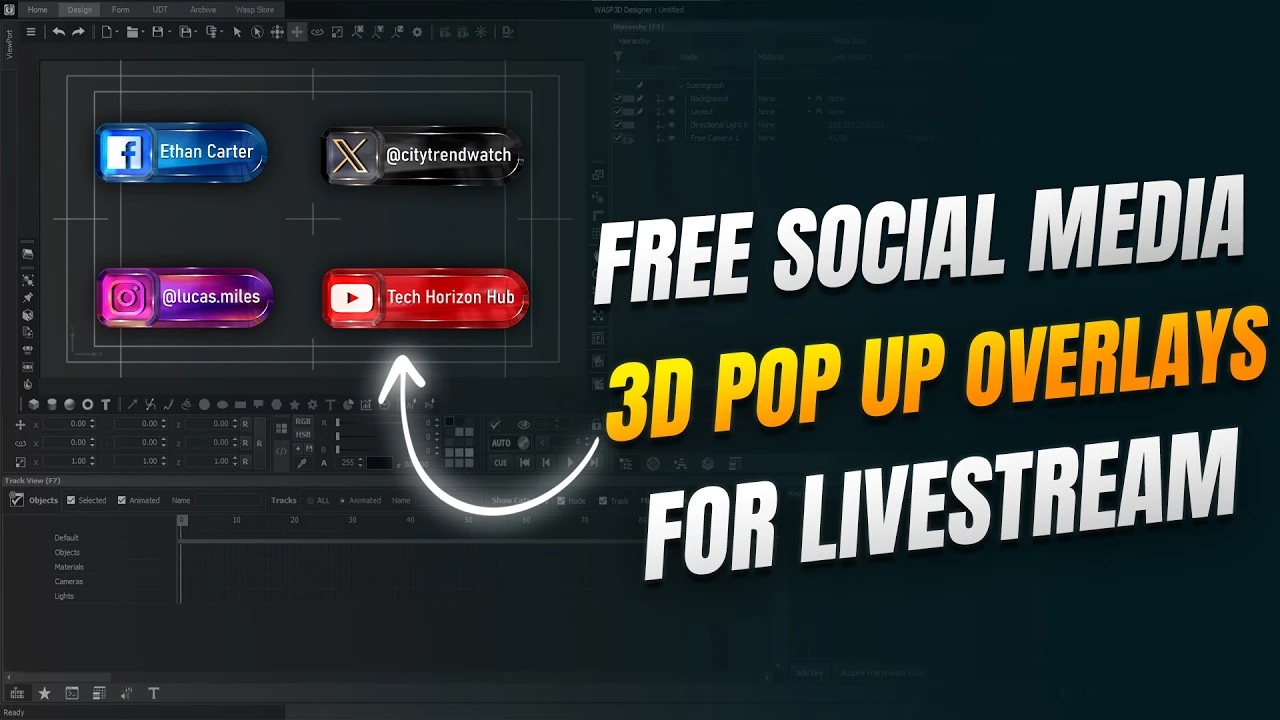
Learn how to create interactive 3D social media popups using WASP3D Xpress and send them directly to OBS or vMix using NDI workflow.

Discover Xpress by WASP3D—a FREE forever livestream graphics software that helps you create professional overlays, lower thirds, scoreboards, tickers, sponsor ads, countdown timers, podcast graphics, YouTube Live graphics, Twitch overlays, and much more.
Explore the best WASP3D offerings, curated for you
Contact Us