What Is Broadcast Graphics News?
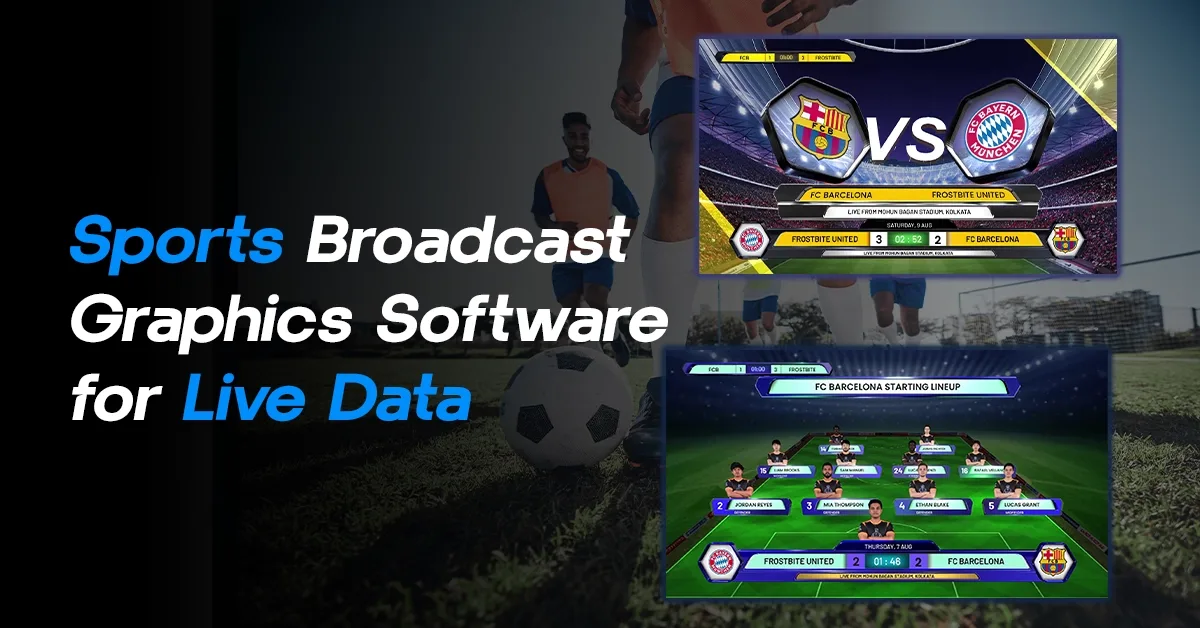
Broadcast graphics news workflows have become essential for modern TV stations. When you watch a news channel, you are not just seeing a presenter reading headlines—you are seeing live tickers, breaking news animations, election dashboards, real-time charts, and dynamic visual storytelling powered by broadcast graphics systems.
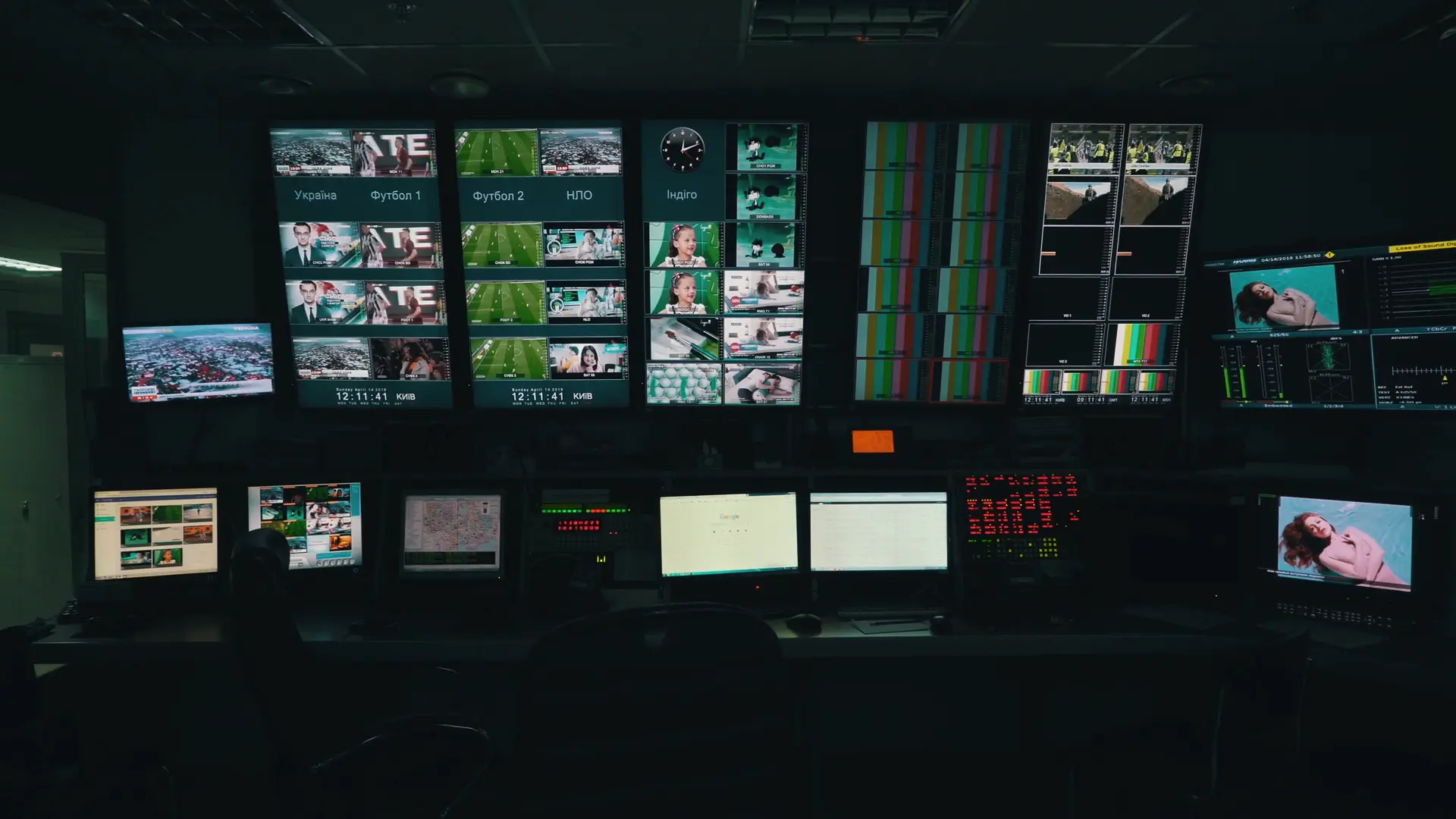
Today Broadcast graphics news software has become a core part of newsroom operations. It is not just about adding visuals on top of video anymore. Instead, it connects real-time data, video feeds, and design elements into one seamless system. Whether it’s a national broadcaster or a digital-first news channel, every TV station relies on the right combination of tools to deliver fast, accurate, and visually engaging content.
Explore what TV stations look for in Live Graphics Software, what tools they commonly use, and how solutions like Xpress and Fluid DVE compare with industry competitors.
How Broadcast Graphics News Systems Work
At its core, live graphics software is designed to create and display visuals during a live broadcast, without delays or interruptions. Unlike traditional design tools that require you to prepare everything in advance, this software allows you to update content instantly while you are live. This difference may sound small, but in a newsroom, it changes everything.
Imagine a breaking news situation where information is constantly evolving. A traditional workflow would slow you down you would need to redesign or edit visuals repeatedly. But with live graphics tools, you can simply update the content fields, and the visuals change automatically on screen. This ability to combine design, data, and real-time control is what makes live graphics software so powerful in modern broadcasting environments.
Choosing the Right Broadcast Graphics News Software
Choosing the right Live Graphics Software is a critical decision for any news broadcaster. It directly impacts how fast a channel can respond to breaking news and how professional the final output looks on screen.
1. Real-time performance
News is all about speed. Graphics need to update instantly—whether it’s election results, stock market numbers, or live sports scores. TV stations look for software that can handle real-time data without lag or crashes.
2. Ease of use
Newsrooms are fast-paced environments. Not every operator is a designer. That’s why modern Live Graphics Software must be simple to use, with minimal learning time. Drag-and-drop tools, ready templates, and no-code interfaces are highly preferred.
3. Data integration
Modern broadcast graphics news systems rely heavily on real-time data integration. A strong graphics system should connect easily with data sources like APIs, spreadsheets, newsroom systems, or live feeds. This allows automatic updates of tickers, charts, and lower thirds without manual input.
4. Flexibility in design
Every channel has its own branding. Broadcasters want tools that allow them to create custom graphics—colors, fonts, layouts, animations—without limitations.
5. Automation and workflow
Automation reduces human error. Features like playlist management, scheduled graphics, and template-based workflows help news teams stay efficient during live broadcasts.
6. Multi-platform output
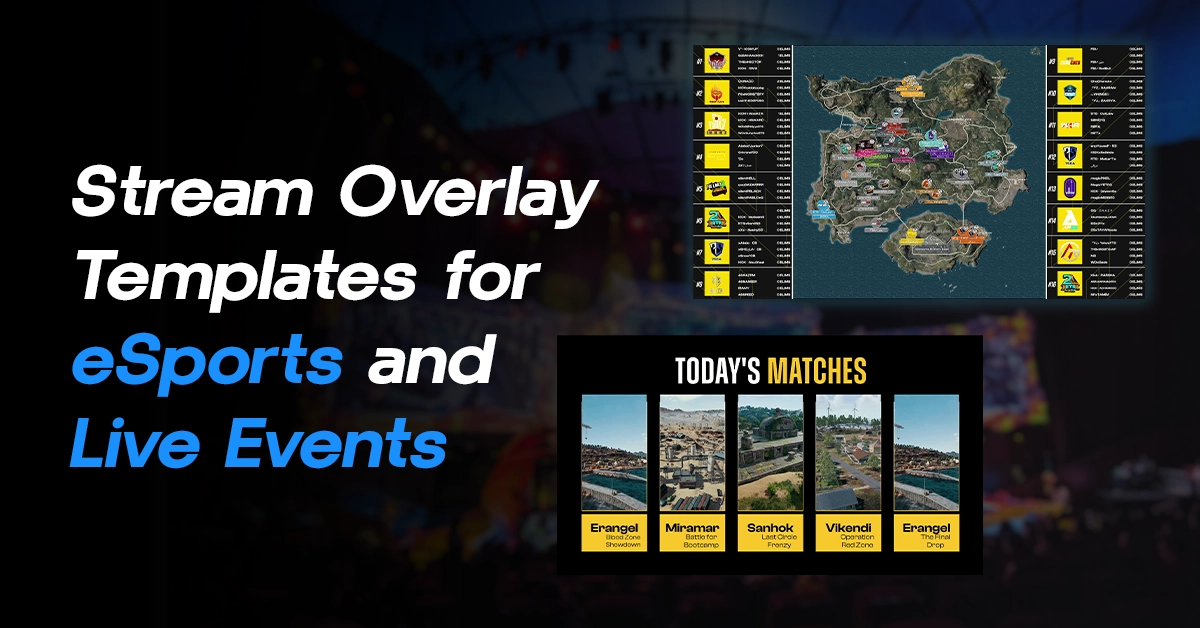
Today, news is not just for TV. It is also streamed on YouTube, Facebook, and OTT platforms. So, Live Graphics Software must support multiple output formats, including vertical video for mobile viewers.
7. Cost vs scalability
Large broadcasters may invest in expensive enterprise systems, but many growing channels and digital studios look for affordable yet powerful alternatives that can scale with their needs.
Why Broadcast Graphics News Relies on Real-Time Data
Live data plays a crucial role in modern journalism. Whether it’s political coverage, financial reporting, or even large-scale events, the ability to display accurate information instantly has become a necessity. But working with real-time data is not as simple as it looks.
There are constant challenges: data latency, formatting issues, accuracy concerns, and the pressure to update everything instantly. Even a small delay or mistake can affect credibility. This is where a well-designed live graphics software becomes critical. It processes incoming data, connects it to visual templates, and ensures that what viewers see is both accurate and timely. In many ways, it acts as the invisible engine behind modern newsrooms.
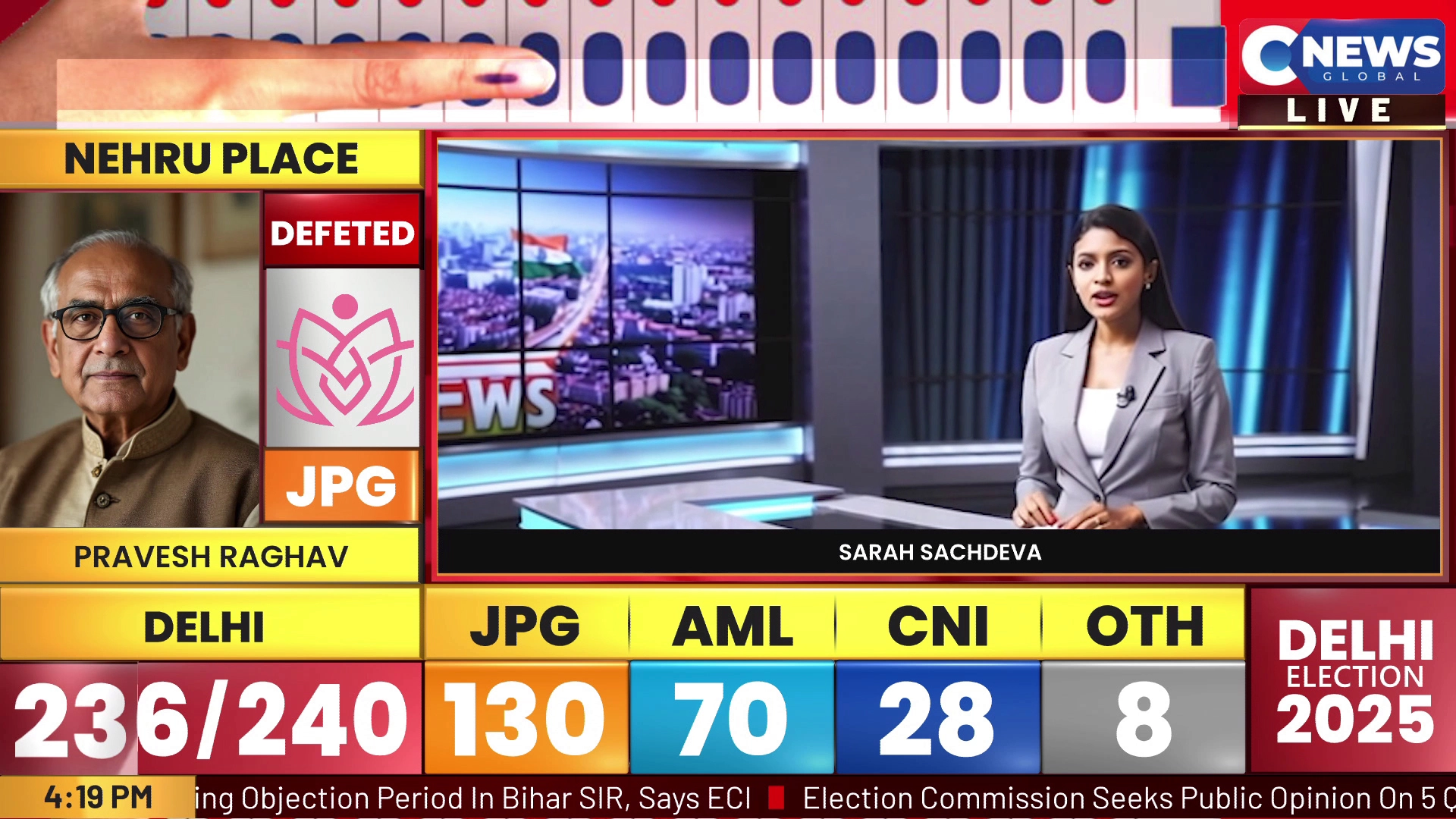
Broadcast Graphics News Software Used by TV Stations
Different broadcasters choose different broadcast graphics news solutions depending on workflow and budget.Some prefer high-end enterprise systems, while others move toward flexible and cost-effective live graphics software solutions. Let’s break this down in a simple way:
1. Vizrt
Vizrt is one of the most widely used live graphics software platforms in large broadcast networks. It is known for its powerful real-time 3D graphics and deep integration with newsroom systems.
Why TV stations use it:
- Advanced real-time rendering for news, sports, and elections
- Strong data integration (perfect for live data-driven graphics)
- High-end automation and control
2. Fluid DVE
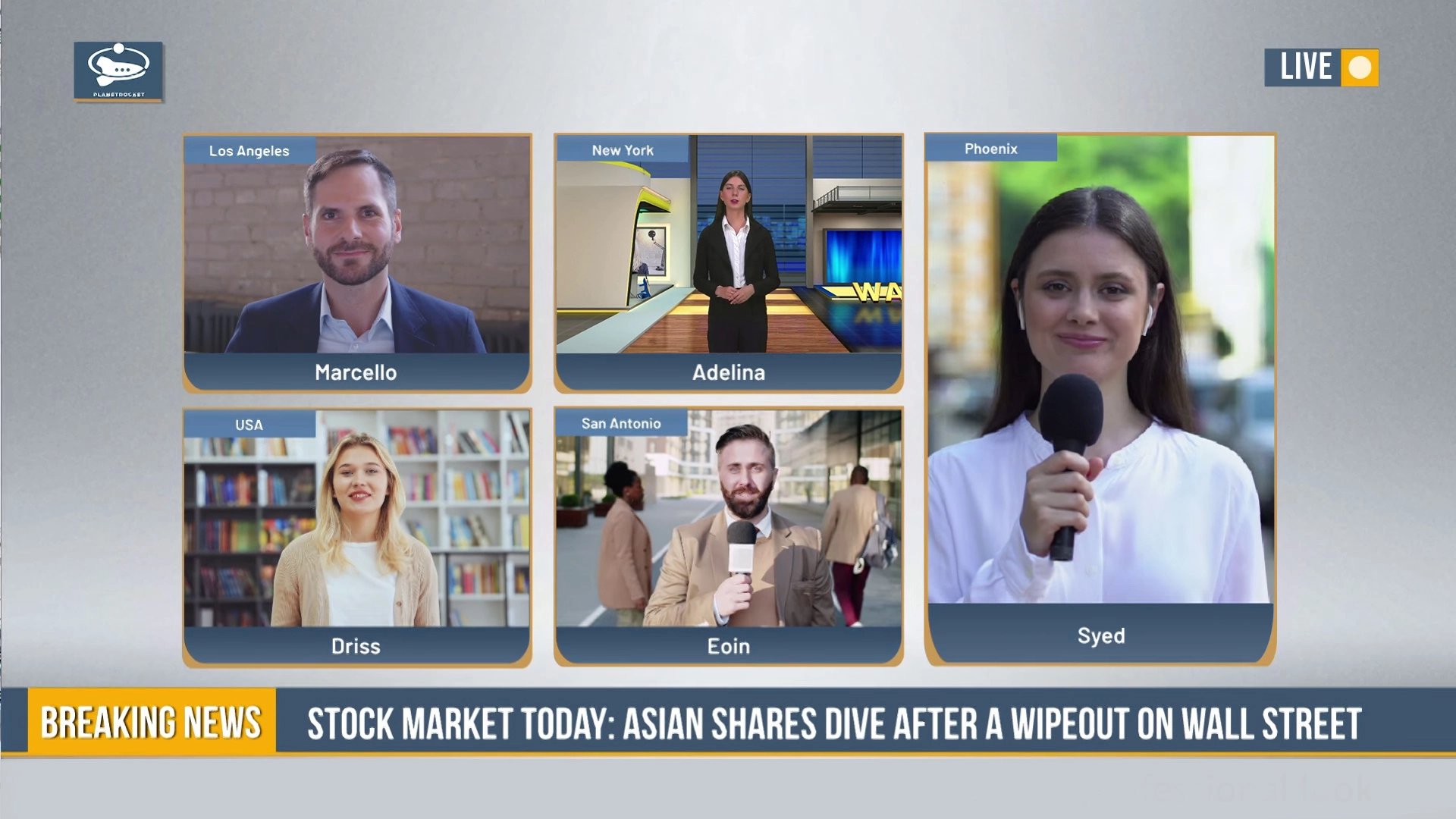
Fluid DVE is a modern, software-based video switcher that works alongside Live Graphics Software to manage multiple video inputs and layouts.
Why TV stations use it:
- Replaces bulky hardware switchers with software
- Creates responsive multi-window layouts in real time
- Supports SDI, NDI, RTMP, SRT, and more
- One-click streaming to platforms like YouTube and Facebook
- Ideal for both horizontal and vertical streaming
Best suited for:
Digital-first newsrooms, online broadcasters, and studios looking for flexible and cost-effective switching solutions.
3. Ross (XPression)
Ross Video’s XPression is another popular live graphics software used in professional broadcasting environments.
Why TV stations use it:
- Reliable real-time motion graphics engine
- Strong integration with Ross production ecosystem
- Widely used in sports and news broadcasting
Best suited for:
Mid to large broadcasters who want a balance between performance and structured workflows.
4. Xpress
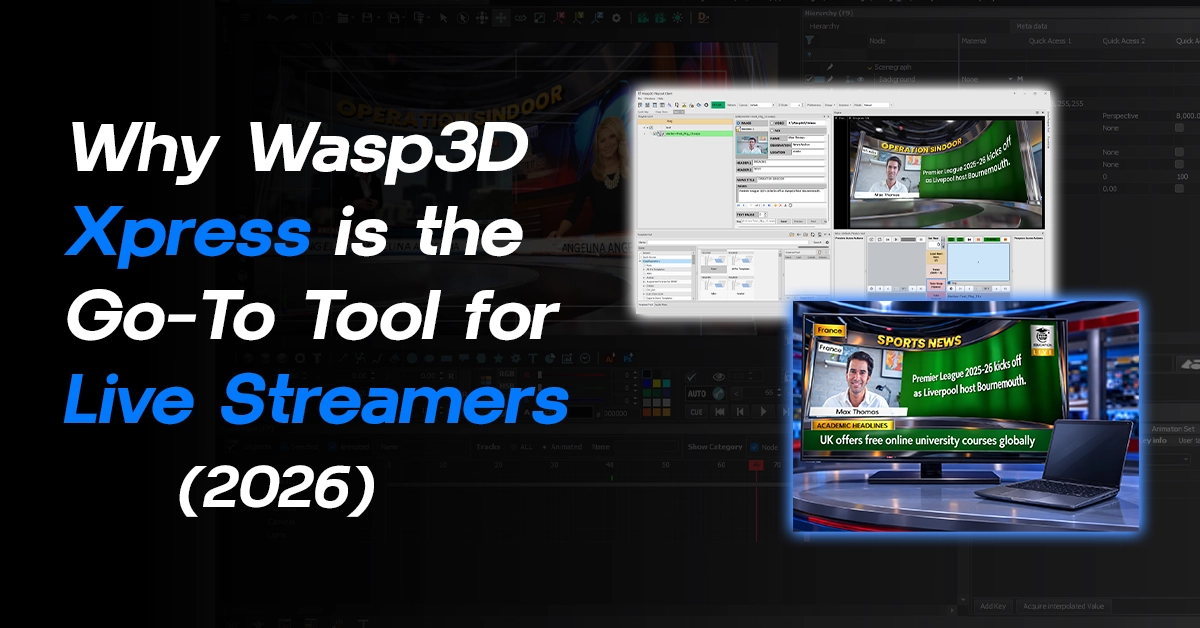
Xpress is a free 3D live graphics software designed to make broadcast-quality graphics accessible to everyone.
Why TV stations use it:
- No watermark and no design experience required
- Ready-made templates for tickers, lower thirds, and more
- Real-time editing without external design tools
- User Defined Tables (UDT) for managing complex data
- Playlist manager for smooth on-air control
- Responsive templates that adjust automatically
Best suited for:
Small to mid-sized TV stations, regional broadcasters, and digital creators who want professional graphics without high costs.
5. Chyron
Chyron is a well-known name in broadcast graphics, especially in traditional TV environments.
Why TV stations use it:
- Strong legacy in broadcast graphics
- Reliable lower thirds, tickers, and branding tools
- Good integration with newsroom workflows
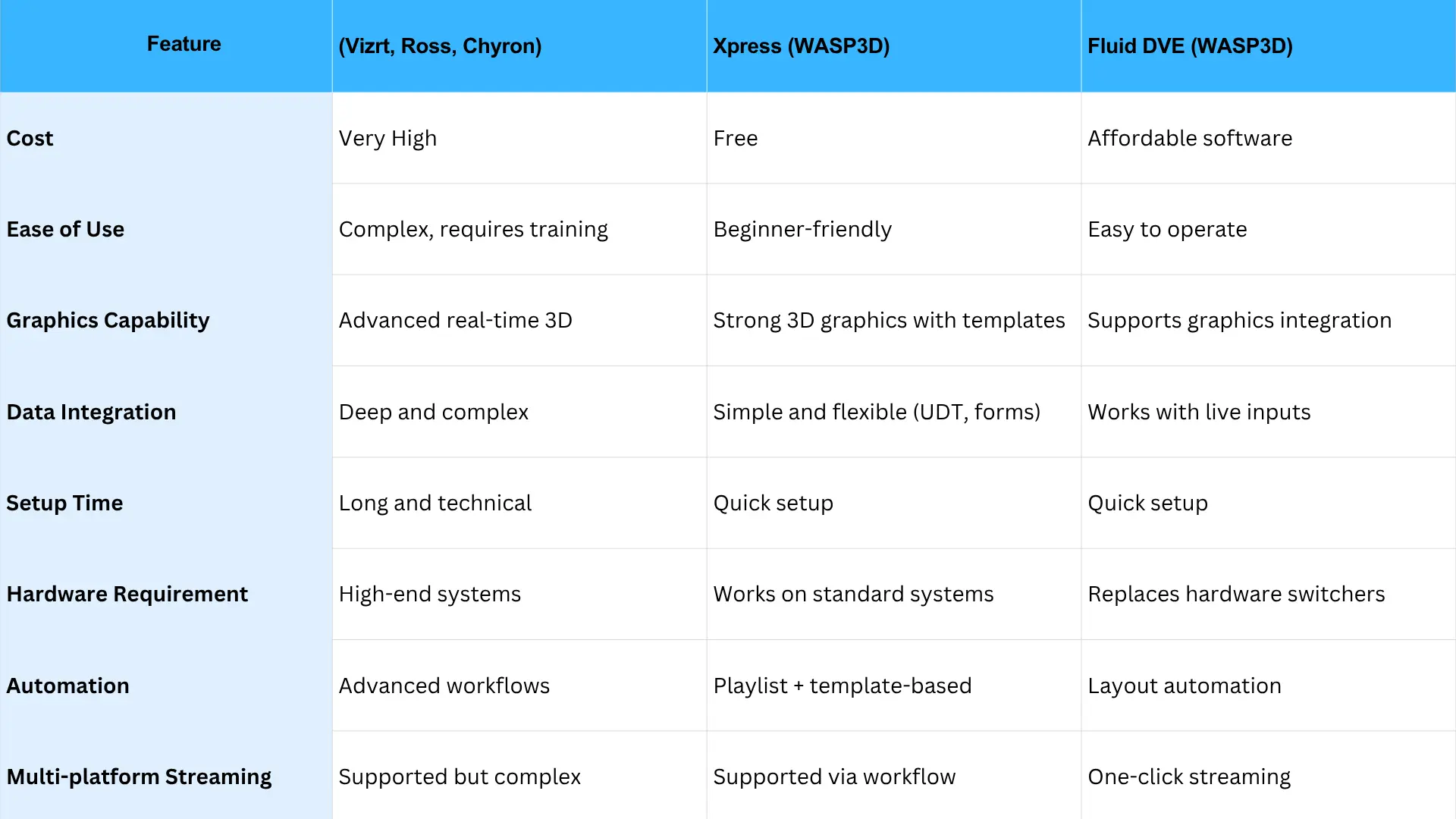
Large broadcasters often lean toward enterprise tools like Vizrt, Ross, and Chyron, while modern and growing studios are increasingly adopting flexible solutions like Xpress and Fluid DVE to achieve faster, more efficient live production workflows.
Here’s a simple comparison to help you understand how different solutions stack up:
The Future of Broadcast Graphics News
The future of broadcast graphics news will depend on automation, cloud workflows, and real-time data visualization.. Viewers expect more than just information—they expect a visually engaging and dynamic experience. This is why live graphics software has become essential for every TV station.
While traditional broadcast giants still rely on high-end systems like Vizrt, Ross, and Chyron, the industry is clearly moving toward more flexible, software-driven solutions. Tools like Xpress and Fluid DVE are making professional-quality production accessible to a wider range of users—from regional news channels to digital-first studios.
Xpress simplifies 3D graphics creation with ready templates and real-time editing, while Fluid DVE brings powerful video switching into a software-based environment. Together, they offer a complete and modern approach to live production.
In the end, the right choice depends on your needs. If you require heavy automation and have a large budget, enterprise tools may work for you. But if you want speed, flexibility, and cost-effectiveness without compromising on quality, modern live graphics software solutions like Xpress and Fluid DVE are a smart and future-ready choice.
FAQS
What is broadcast graphics news software?
Broadcast graphics news software helps TV stations create live tickers, lower thirds, breaking news alerts, election graphics, and real-time data visualizations during broadcasts.
What software do TV stations use for news graphics?
Many broadcasters use solutions such as Vizrt, Ross XPression, Chyron, and WASP3D depending on their workflow, budget, and production requirements.
Can small TV stations use professional news graphics software?
Yes. Solutions like WASP3D Xpress provide professional-quality news graphics, ready-to-use templates, and real-time editing without the complexity or cost of traditional enterprise systems.
Why is real-time data important in news graphics?
Real-time data allows broadcasters to instantly update election results, financial information, breaking news tickers, and other live content without manual redesigns.
Does WASP3D support news channel graphics?
Yes. WASP3D offers tools for creating lower thirds, tickers, breaking news graphics, data-driven visuals, and other elements commonly used in modern news broadcasting.
What features should I look for in broadcast graphics news software?
Look for real-time rendering, data integration, customizable templates, automation, playlist management, and multi-platform output capabilities.
Can broadcast graphics software work with live streaming platforms?
Yes. Modern solutions like WASP3D Fluid DVE support outputs for television, YouTube, Facebook, OTT platforms, and other digital streaming environments.
Is WASP3D suitable for regional and digital-first news channels?
Absolutely. WASP3D Xpress and Fluid DVE are designed to help regional broadcasters, digital newsrooms, and online channels create professional broadcast graphics without requiring large production teams.