For decades, live production has relied on dedicated hardware video switchers to manage multiple camera feeds and control what goes on air. These hardware switchers remain the backbone of many live stream setups.
However, as production workflows have become more complex, new technological approaches have started to emerge.
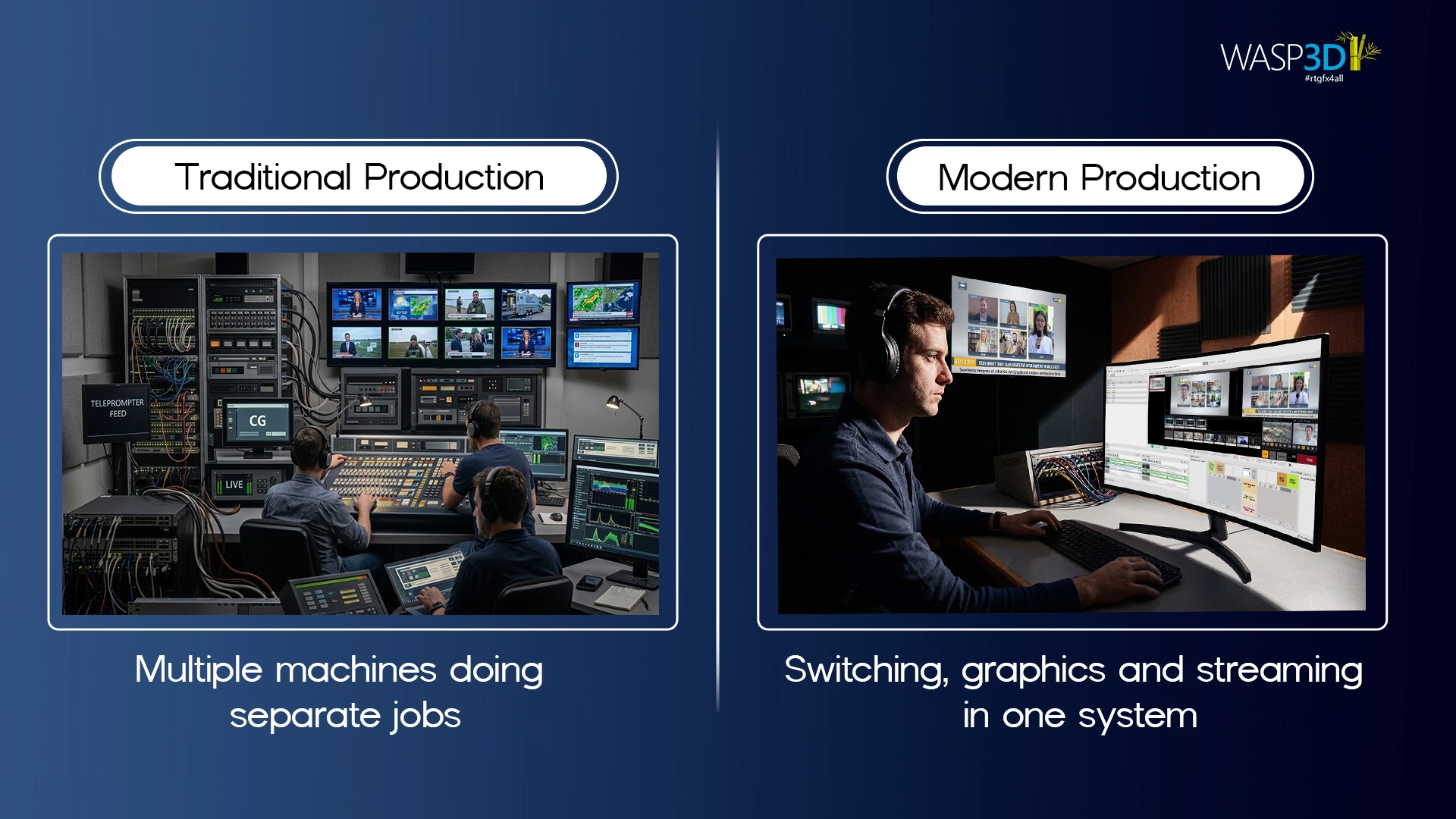
However, live production needs have evolved. Today’s producers are not only switching between cameras, but they are also managing real-time graphics, animations, dynamic data, virtual sets, social feeds, and multi-platform streaming simultaneously. This shift has led to the rise of powerful software based video switcher solutions that combine traditional switching capabilities with advanced graphics and visual control.
As a result, modern live production is no longer just about cutting between cameras. It is a tightly synchronized, real-time processing ecosystem where switching, compositing, graphics rendering, and encoding happen simultaneously often within milliseconds. A modern video switcher software environment often functions as a multi video switcher, handling several inputs, layouts, going live on Youtube and Facebook and graphics layers at the same time.
To understand this shift better, this article explains how video switcher software, including modern live video switching software, works, how it differs from traditional hardware switchers, and how integrated real-time graphics are reshaping today’s live production workflows.
First, let’s understand the core concept behind these systems.
What Is Video Switcher Software?
Video switcher software lets you manage multiple live video sources and combine them into one final output. It allows you to switch between cameras, add impactful live graphics, apply transitions, and stream directly.
Unlike basic video tools, professional live video switching software is built for real-time performance. Therefore, it focuses on low latency, accuracy, and stability. As a result, this makes it suitable for news, events, corporates, and professional live streams where a reliable multi video switcher is required to manage several feeds simultaneously.
Real-time graphics engines such as WASP3D Fluid DVE extend the switcher into a complete live stream pipeline enabling advanced compositing, data-driven visuals, and automated production control within a software based video switcher ecosystem.
Let’s break down how this works in real-world production environments.
Now that we understand what video switcher software is, let’s look at how it actually works.
1. Video Switcher Software Architecture
A video switcher’s primary responsibility is managing multiple live inputs and producing a clean, synchronized program output. In software-based video switcher systems, this involves several internal processes that power modern live video switching software platforms.
One of the most important capabilities of modern systems is input flexibility.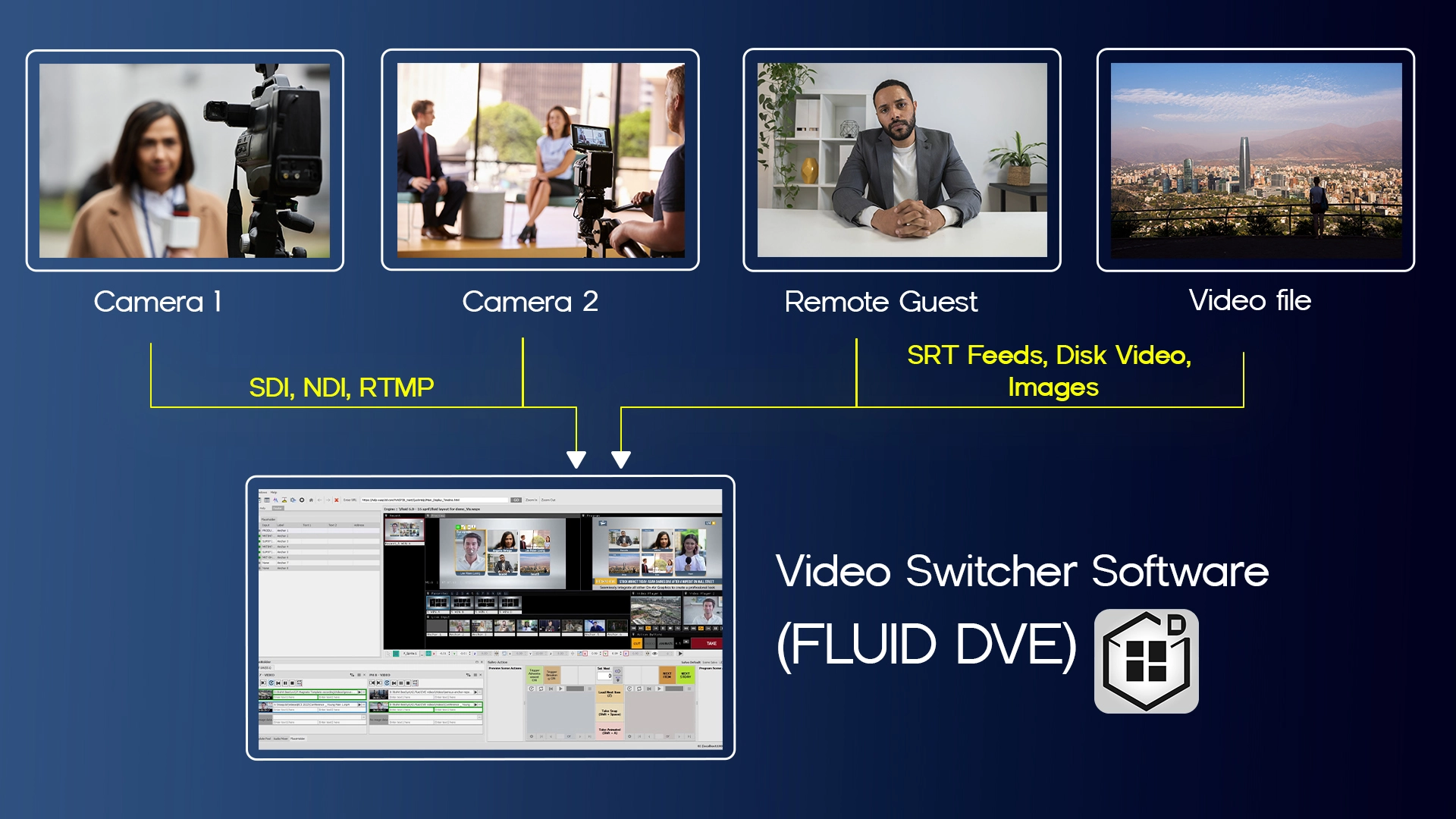
Multi-Source Input Handling
Modern live production systems support a wide range of inputs, including SDI, NDI, RTMP, SRT feeds, disk-based videos, and images, allowing seamless integration of streaming and IP workflows.
This flexibility enables producers to combine studio cameras, remote feeds, and pre-recorded content within a single environment using a powerful multi video switcher workflow.
Many advanced systems like WASP3D Fluid DVE can also host Zoom calls directly without requiring NDI conversion. The result is a more streamlined, reliable workflow for interviews, panel discussions, and remote productions.
Once inputs are connected, the next step is understanding how signals move through the system.
You can also watch full tutorial on the link given below:
https://youtu.be/dXsv8aF69cc?si=0Le1-WB7bAt5XHku
2. Live Production Signal Flow (End-to-End)
A simplified professional workflow looks like this:
Camera Feeds → Video Switcher Software + Graphics Engine → Go Live
However, in advanced pipelines like Fluid DVE, graphics engines are tightly integrated within the switching stage, turning the system into a powerful live video switching software environment capable of managing complex visual layers.
Beyond basic switching, modern systems also focus heavily on visual presentation.
Powerful 2D/3D Designer for brand owned designs
Modern production involves multiple visual layers:
- Base video feed
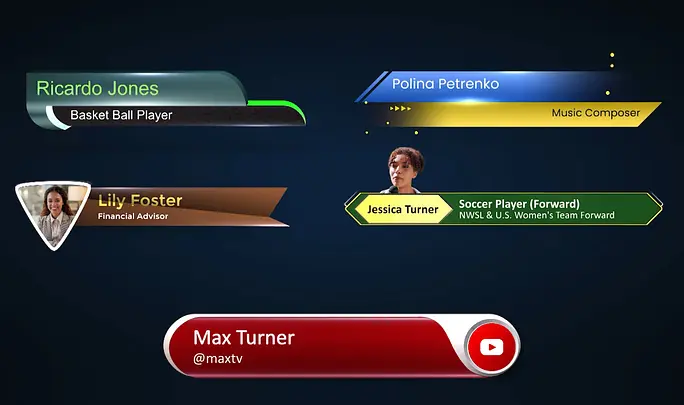
- Lower thirds
- Tickers
- Logos
- Sports score overlays
- Data-driven visual panels
A powerful 2D/3D Designer gives production teams complete creative control over their on-air identity. Instead of relying on generic templates, live streamers can build fully brand-owned graphics tailored to their visual language.
Real-time rendering ensures designs are not just visually rich but also live stream-ready and performance-optimized inside the video switcher software workflow.
Fluid DVE extends beyond simple overlays by enabling:
- 2D and 3D DVE compositions
- Animated box repositioning
- Multi-window layouts
- Picture-in-picture arrangements
- Real-time scaling and cropping
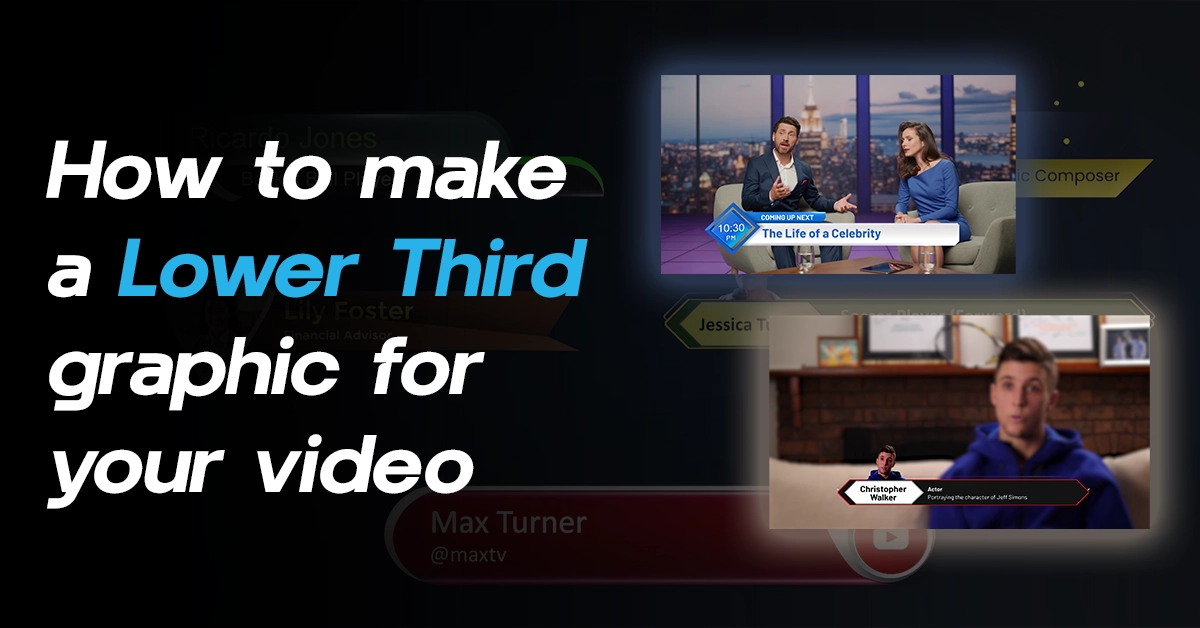
This transforms a standard software based video switcher into a dynamic layout engine capable of acting as a full multi video switcher environment. And make lower third graphics for your video to enhance your live production performance. In addition to visual design, modern productions also rely heavily on real-time information.
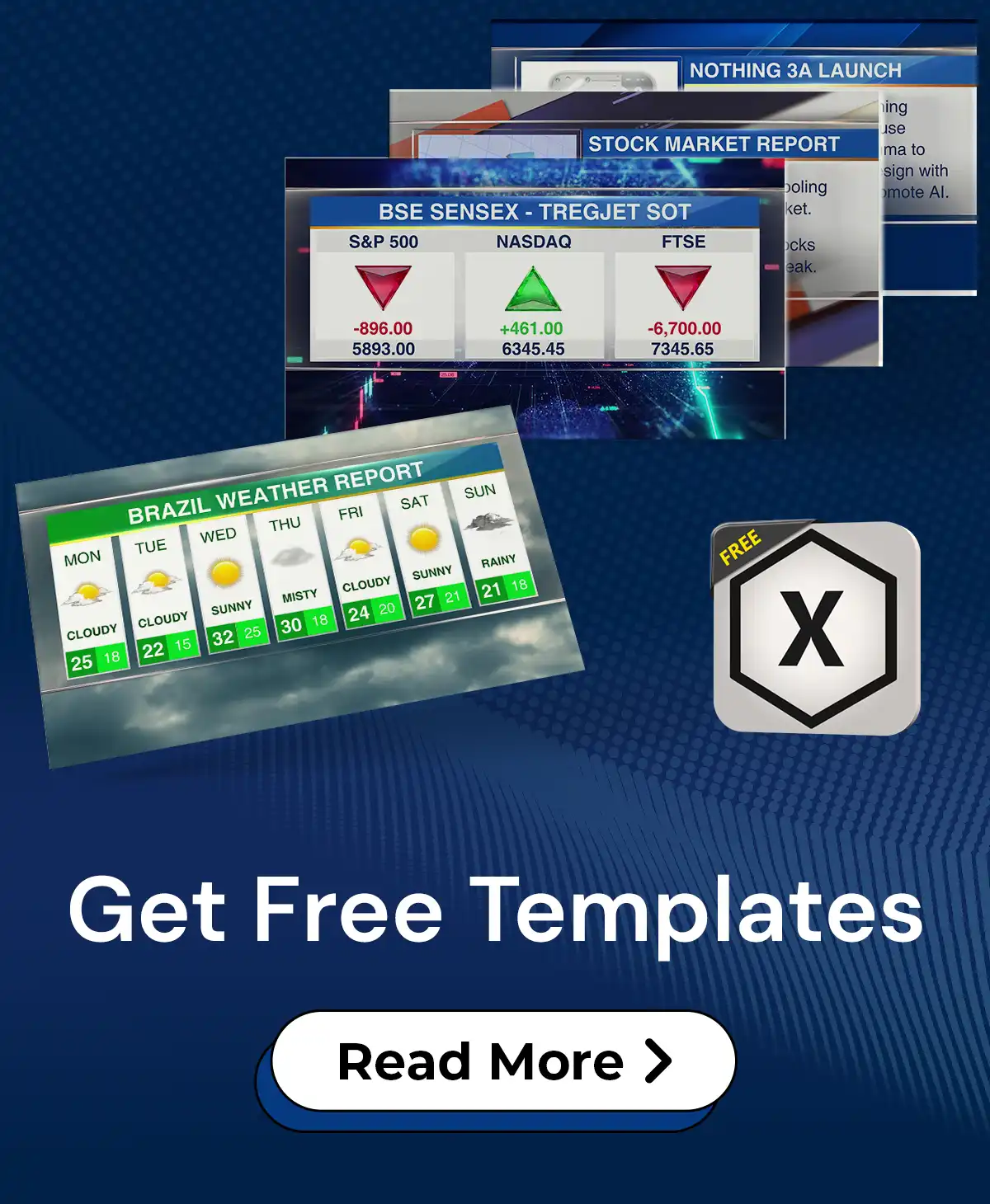
Data-Driven Overlays
Professional workflows require:
- Live sports scoring
- News tickers
- Election results
- Financial dashboards
- API-connected datasets
Fluid DVE supports:
- Template-driven graphics
- Live data binding
- Dynamic text and media updates
- Real-time layout switching
These capabilities enhance the power of live video switching software, allowing graphics and data to update instantly during production.
Another key advantage of modern video switcher software is automation.
3. Automation & Scalable Production
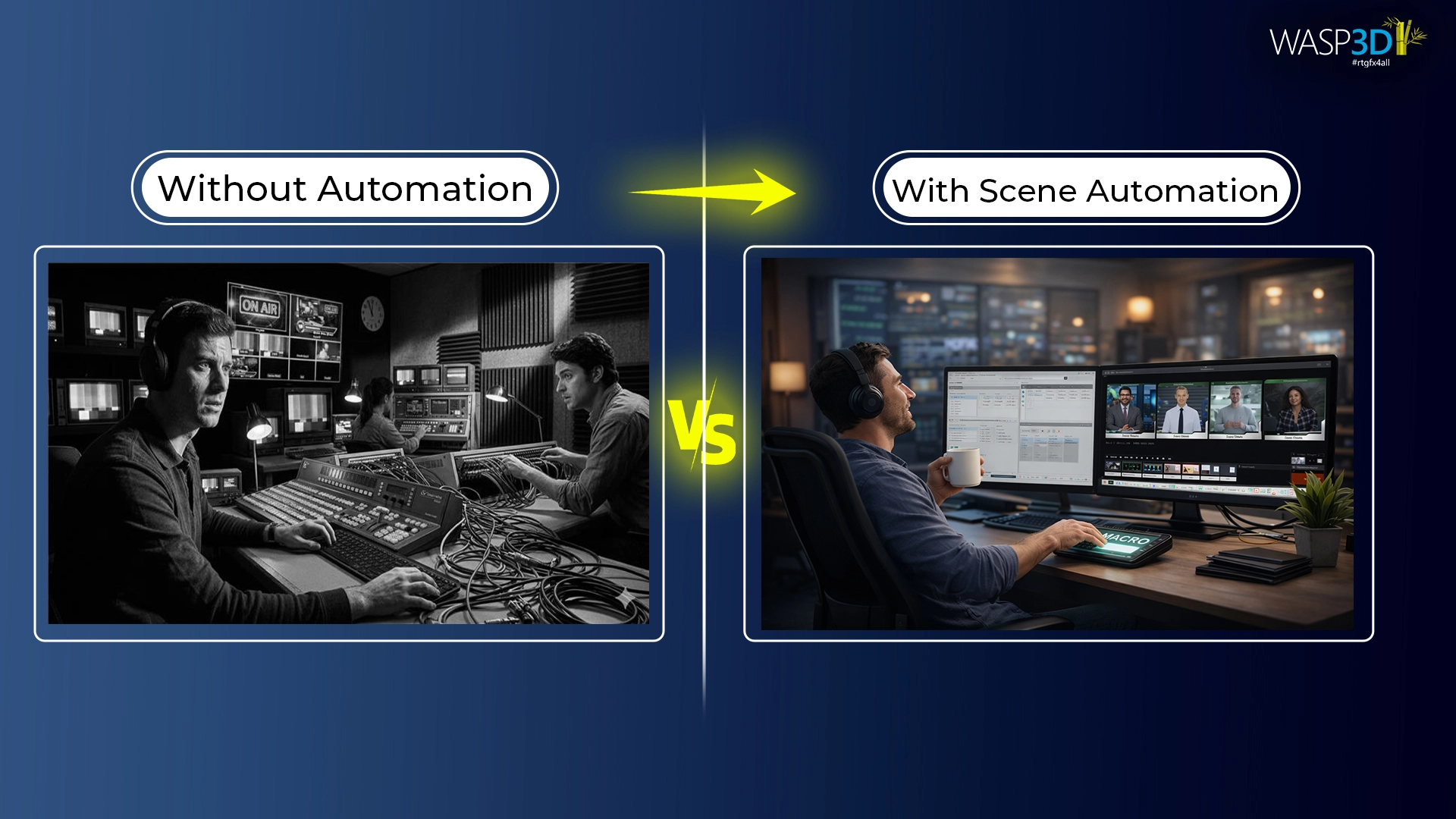
One of the most significant shifts in live production is automation within modern video switcher software systems.
Scene-Based Switching
Predefined layouts allow operators to:
- Switch camera + graphics + animation simultaneously
- Trigger complex compositions with one command
This automation makes live video switching software far more efficient for real-time productions.
Reduced Operator Load
By combining switching logic with real-time graphics control, production teams:
- Minimize repetitive tasks
- Improve consistency across shows
- Scale to multi-show environments
A well-designed software based video switcher allows teams to operate large productions with fewer operators.
To see how these capabilities work in practice, let’s look at a newsroom workflow.
4. Transforming Newsroom Production with Fluid DVE
Modern newsrooms often fall into an “offline trap” — content passes through planning, recording, editing, graphics, and publishing in separate stages. Multiple teams work independently, relying on post-production fixes, external switchers, audio mixers, and layered graphics systems. By the time everything is ready, the story can lose immediacy.
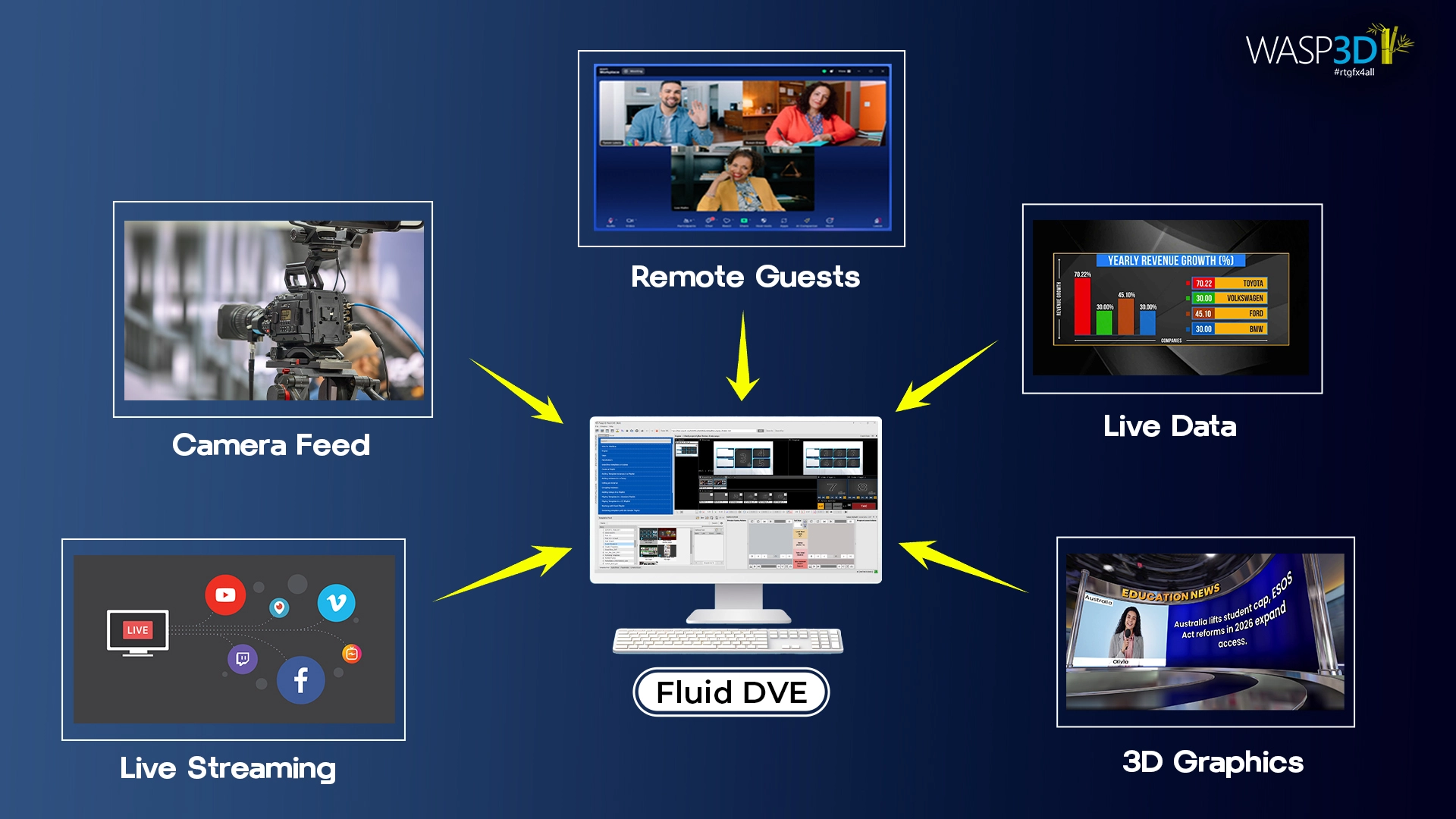
Planning, graphics, data, switching, and streaming operate inside one integrated video switcher software system. Rundowns can link directly to graphics and live data. Charts, polls, social feeds, and analytical visuals are data-driven, not pre-rendered updating instantly on air.
During production, anchors, guests, graphics, and feeds merge into a single multi video switcher environment. Additionally, NDI-based remote guests can be added instantly; layouts can shift from two-window to multi-window debate formats in real time, and inputs can be resized or repositioned without changing camera setups. Furthermore, built-in audio mixing eliminates external hardware, allowing level control and participant management within the same interface.
Fluid DVE also handles distribution. It streams directly to platforms like YouTube while recording simultaneously and supports both horizontal and vertical outputs for mobile-first platforms such as Instagram and YouTube Shorts using the same live video switching software pipeline.
Additionally, the integrated Designer enables custom templates, animated scenes, adjustable backgrounds, and CG graphics with live data support. Meanwhile, through the Data Client, updating values is as simple as editing a spreadsheet — changes reflect air immediately, without interrupting the streaming.
In effect, Fluid DVE functions as a central production brain — switching, enhancing, compositing, and streaming from one cohesive software based video switcher system — transforming newsroom operations into a fast, real-time live stream environment. At this point, an important question arises.
Software vs Hardware Switchers: Which One to Choose?
| Aspect | Software Switchers | Hardware Switchers |
| Designer Capabilities |
|
|
| Cost |
|
|
| Automation |
|
|
| Ease of Use / Flexibility |
|
|
| Graphics Integration |
|
|
This is why many modern production setups combine both. Using hardware for reliability and software for design flexibility and automation power.
Modern production environments increasingly use hybrid setups, hardware switchers for deterministic reliability, software switching for flexibility and real-time graphics engines like WASP3D Pro and Fluid DVE for compositing and automation Fluid DVE is designed to operate comfortably in both worlds. IP-based workflows as well as traditional SDI streaming pipelines. Ultimately, all these advancements point toward a more integrated production future.
Conclusion
Video switcher software forms the backbone of live production. When combined with real-time graphics platforms like WASP3D Fluid DVE it transforms into a complete streaming system.
As a result, in modern studios, switching and graphics are no longer different. They are integrated layers of a unified video processing pipeline where compositing, data, automation, and layout control converge in real time.
Therefore a powerful multi video switcher, combined with advanced live video switching software capabilities and a flexible software based video switcher architecture, defines the smart way to manage live video production.