Learn WASP3D from Tutorials
Comprehensive solution, virtual sets, AR graphics, DVE, and multi-touch presentations.

Drop Your questions below, and we'll make a video on them!
Click hereComprehensive solution, virtual sets, AR graphics, DVE, and multi-touch presentations.
Drop Your questions below, and we'll make a video on them!
Click here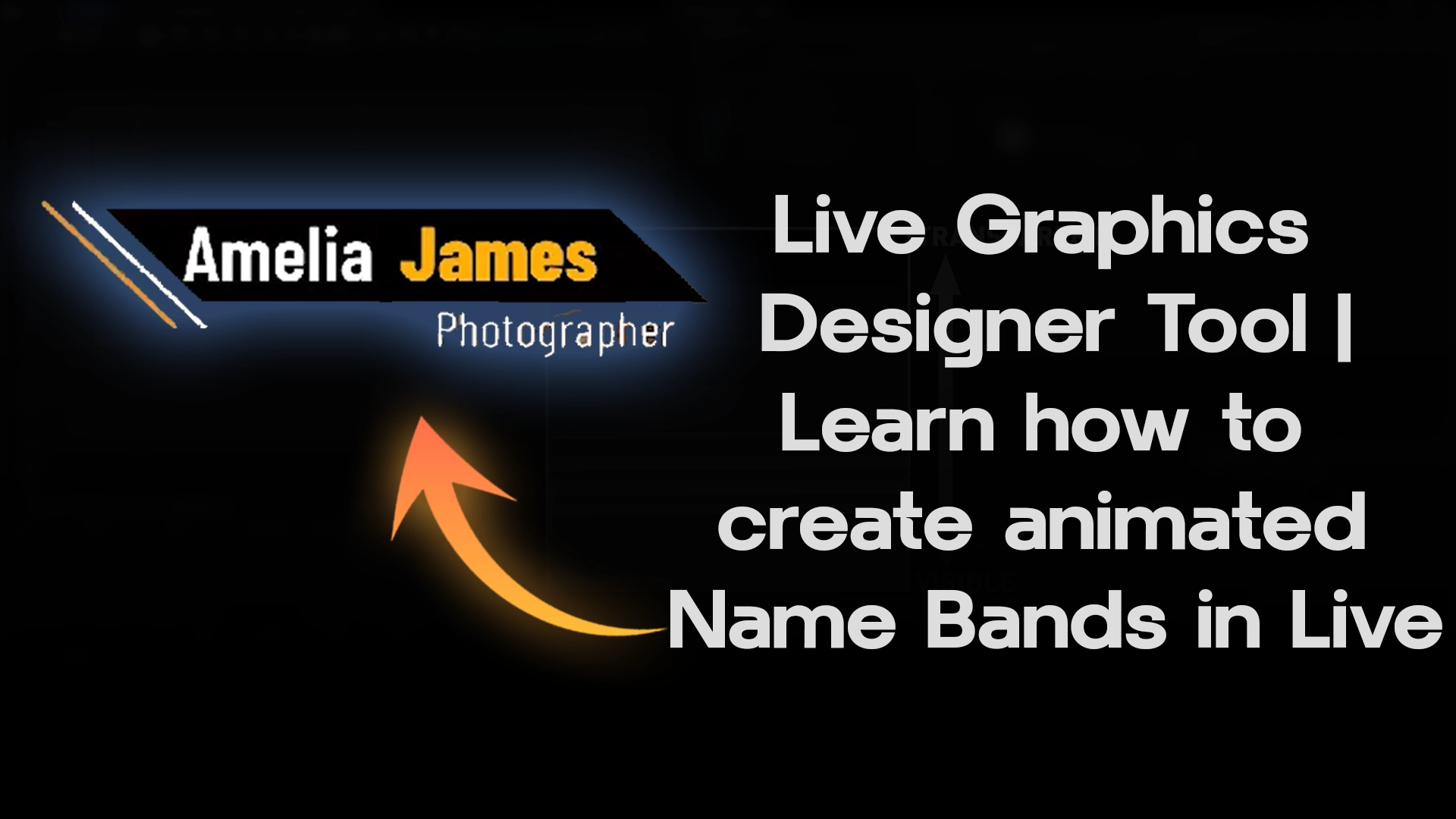
A complete tutorial for a versatile software tool designed to design stunning 3D Live Graphics for Broadcasting and Livestreaming.
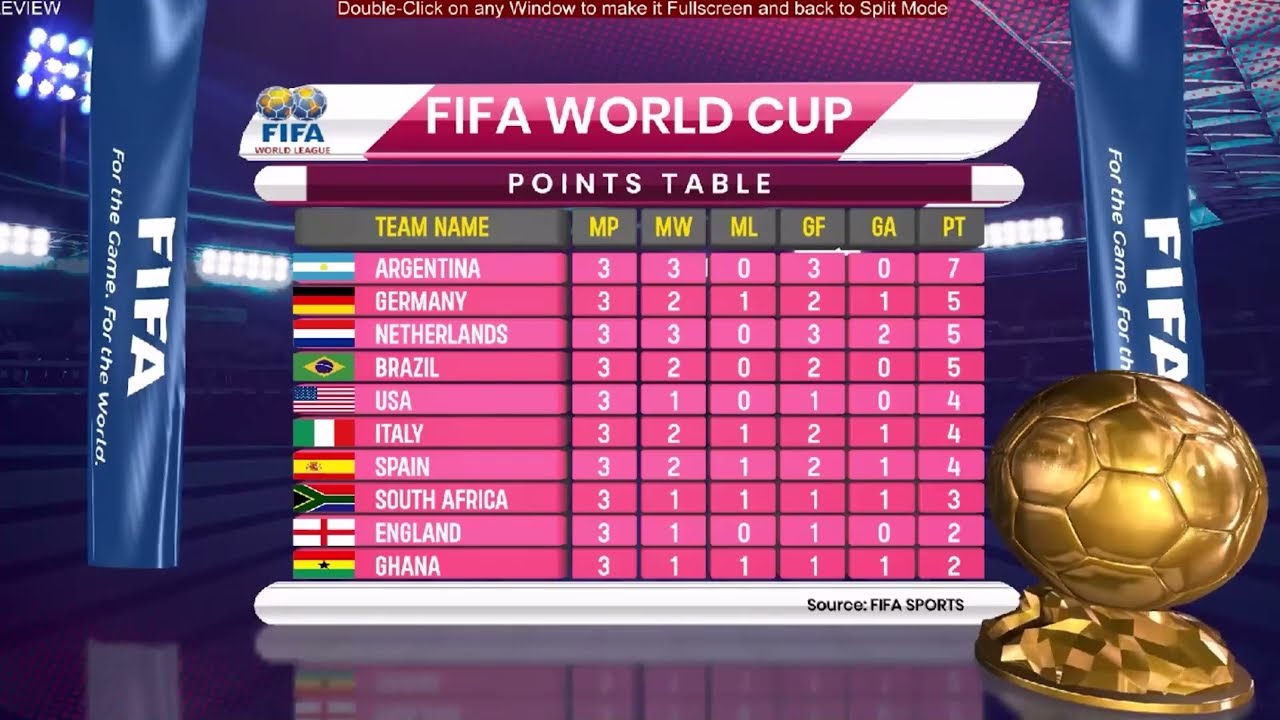
Use Use Table Text and Tile to make League Tables for Sports Livestreams and Broadcasts
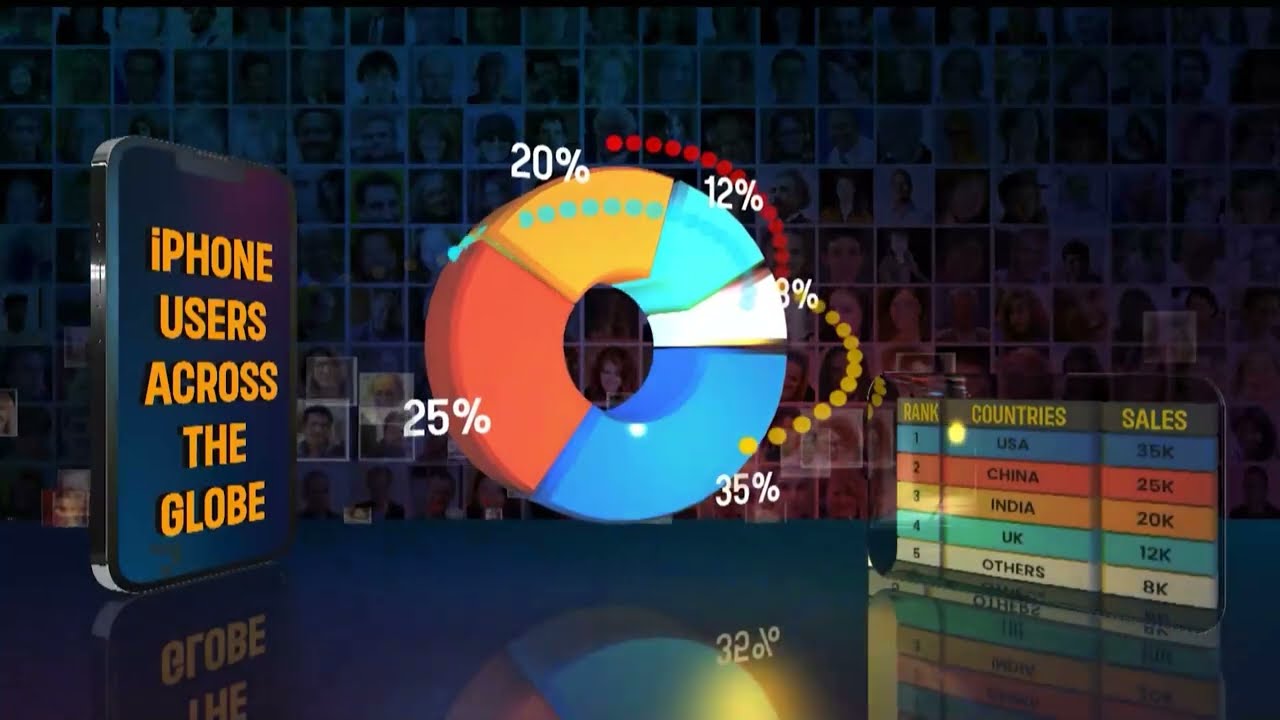
Learn how to create dynamic and visually appealing pie graphs for television and live broadcast.
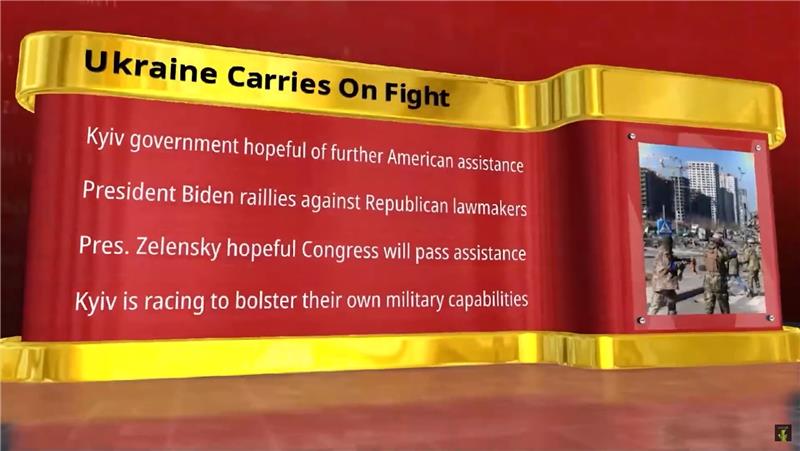
Learn how to design a 4-pointer Multipage Graphic using a Page Controller
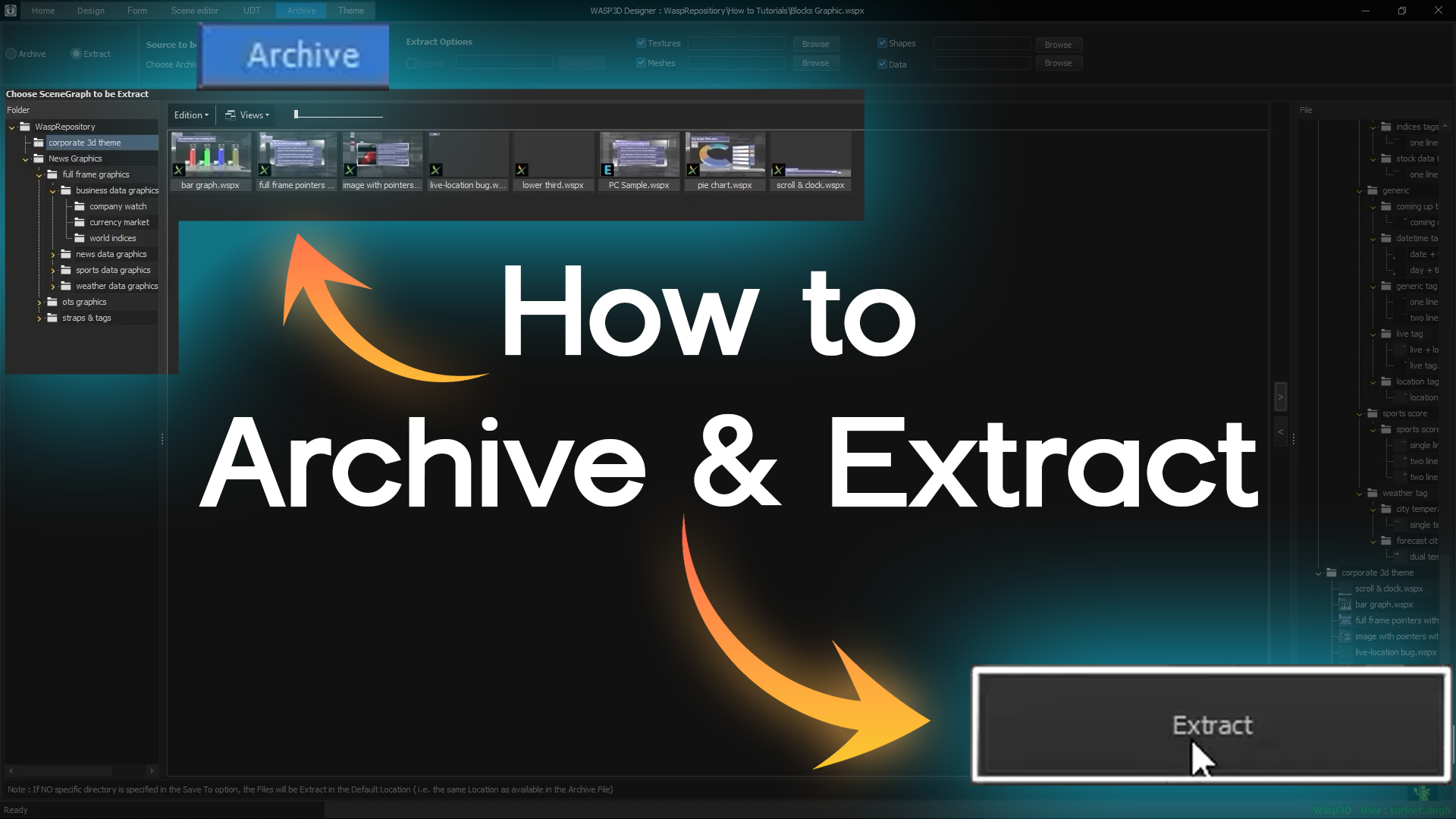
How to access the Archive tab and select the type of content to archive: Scenes, Templates, Forms, Playlists, and Programs
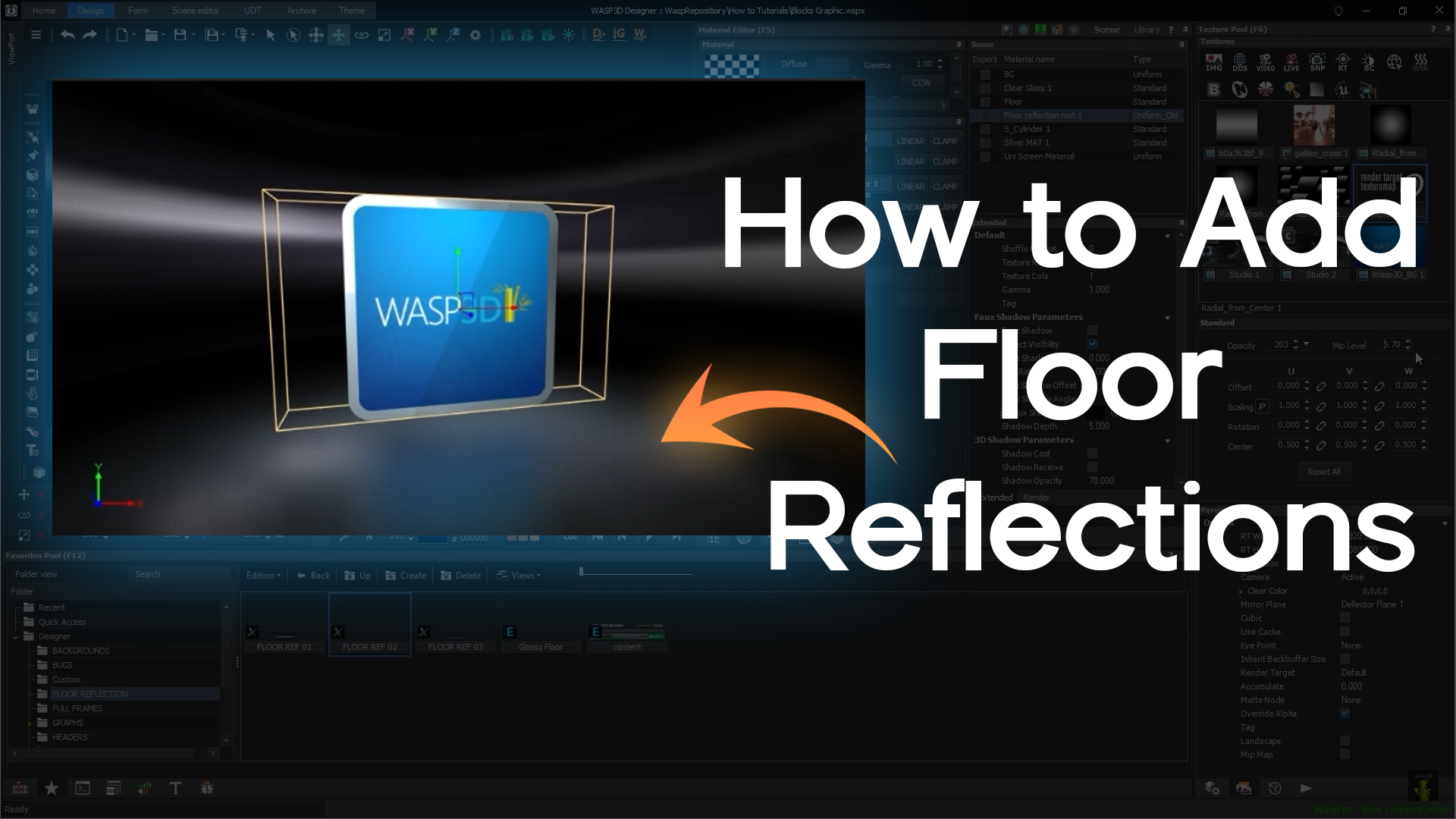
How to create floor reflections using the Deflector Plane and Render Texture, along with an alternative method that gives you even more control over your reflections.
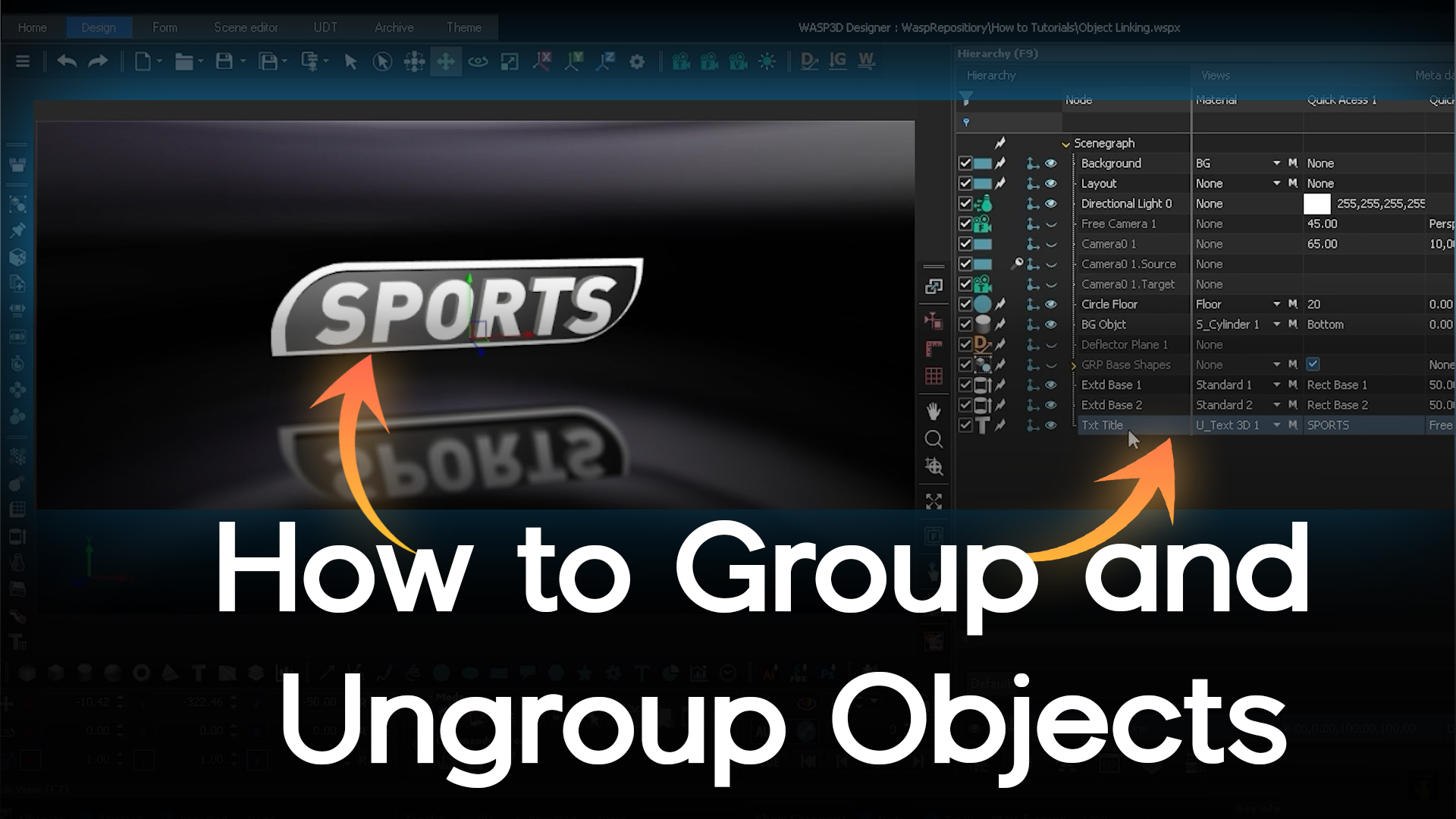
How to group and ungroup objects, a crucial technique for organizing your scene and improving workflow efficiency.
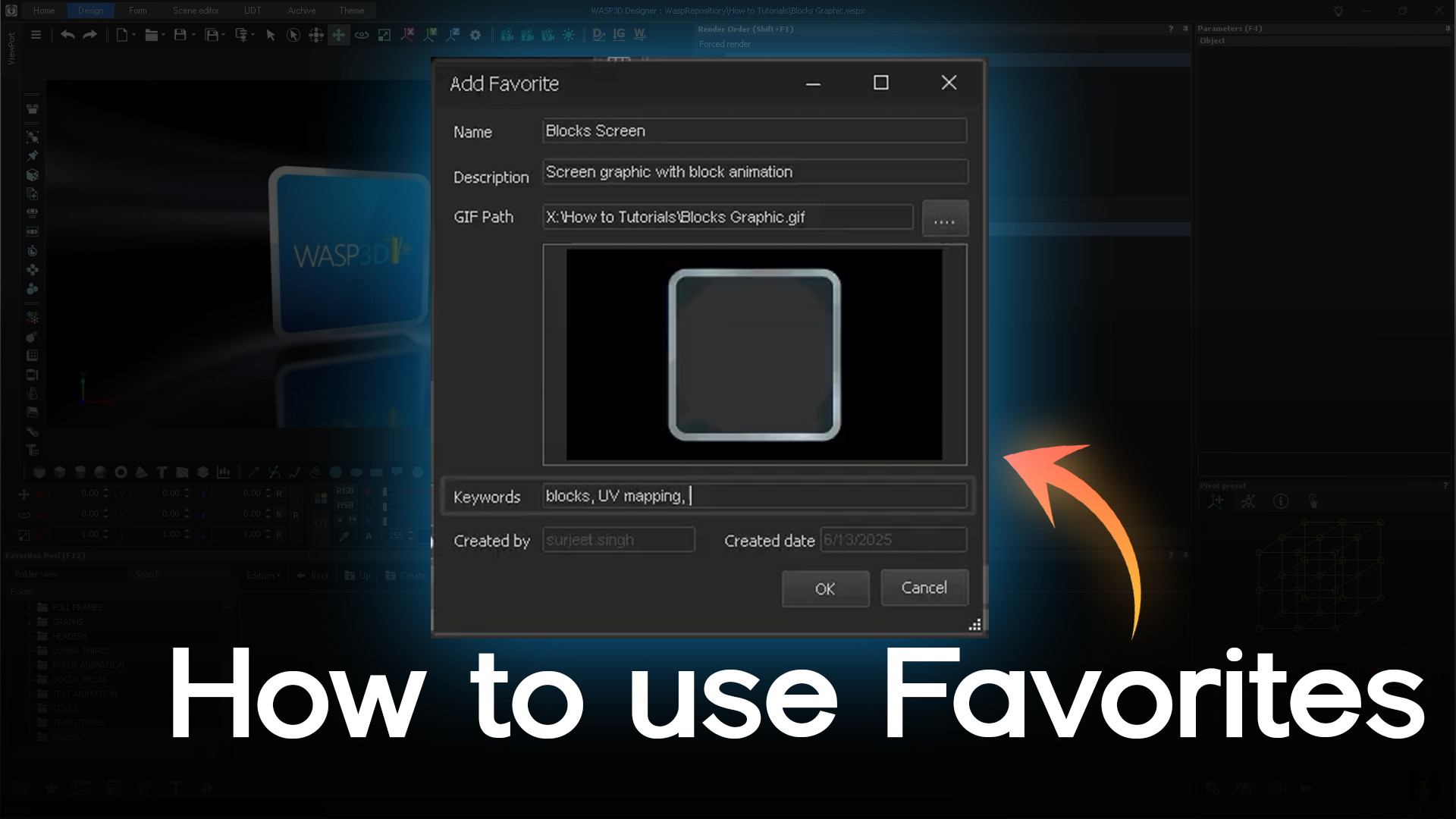
Learn how to use Favorites in Wasp3D Designer to streamline your workflow and organize assets efficiently!
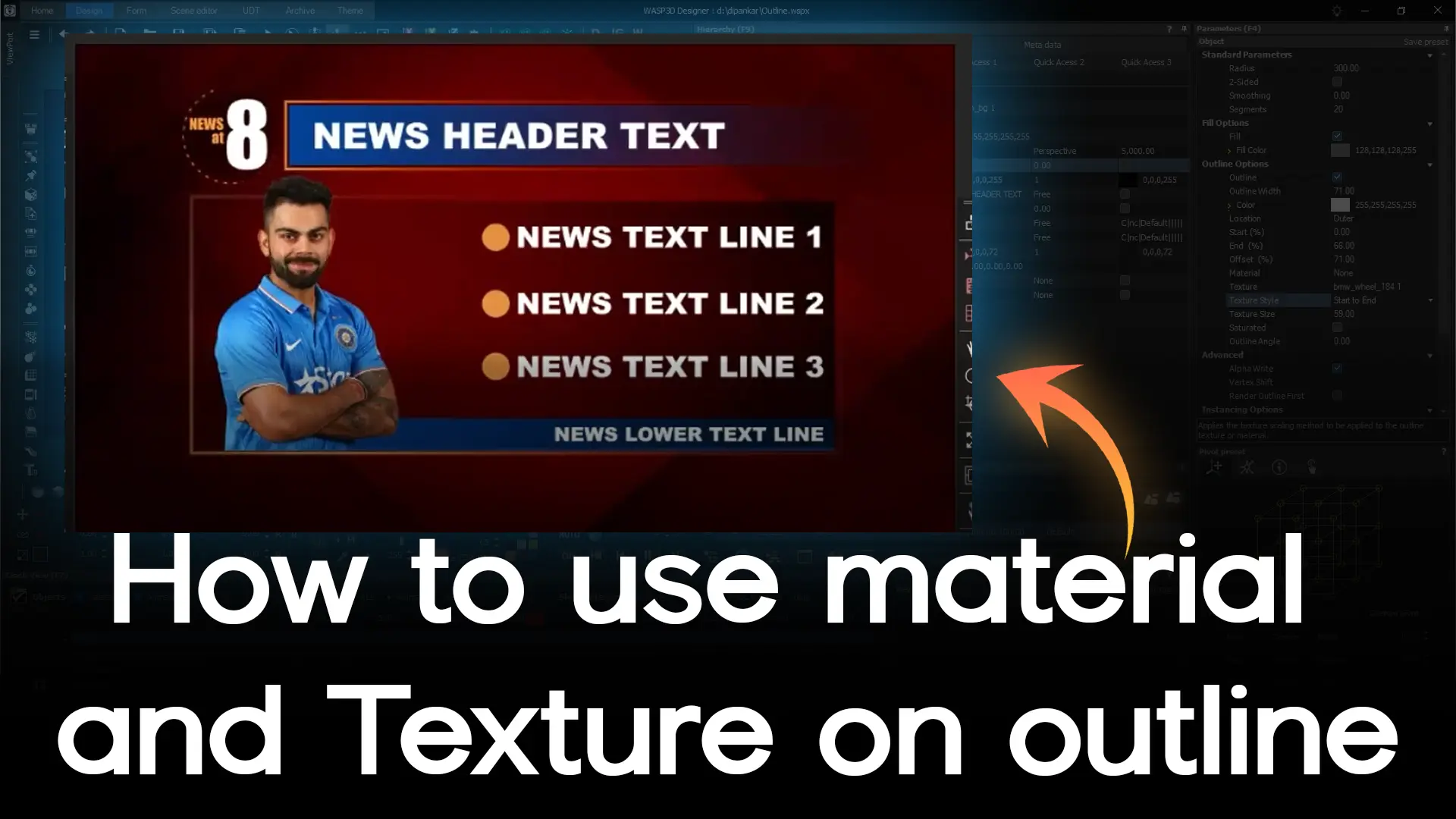
See step by step video how to create bold, dynamic, and animated outlines for 2D shapes, text, and AI shapes.
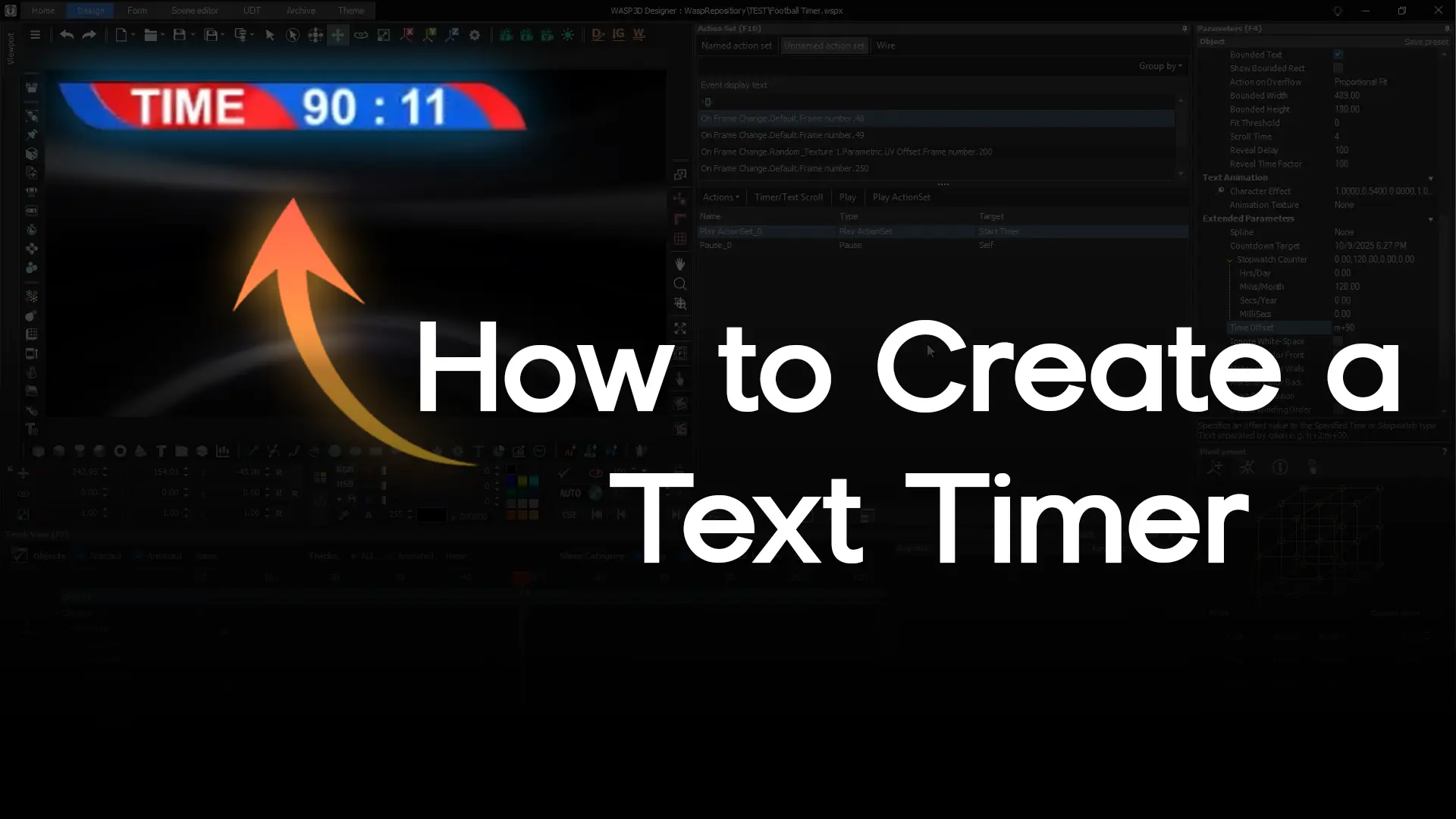
The Football Timer template to set up Stopwatch, Countdown, and Custom Time Offset timers. You’ll also learn how to control your timer with Start, Pause, Stop actions, and trigger automatic events using Track

How to import and control video files inside the Texture Pool, understand Standard and Parametric properties, and explore Auto Animation and Manual keyframing for smooth Seek Play videos.

How to use the Color Picker and Color Palette in Wasp3D Designer — to select, sample, and manage colors precisely.

Learn how to generate and display dynamic QR codes inside Wasp3D Designer using script actions, variables, and video textures!

How to create complex 2D objects in Wasp3D Designer by merging multiple shapes into a single, manageable object. A step-by-step video how to combine rectangles, circles, polygons, and even AI shapes for cleaner layouts and more advanced designs.
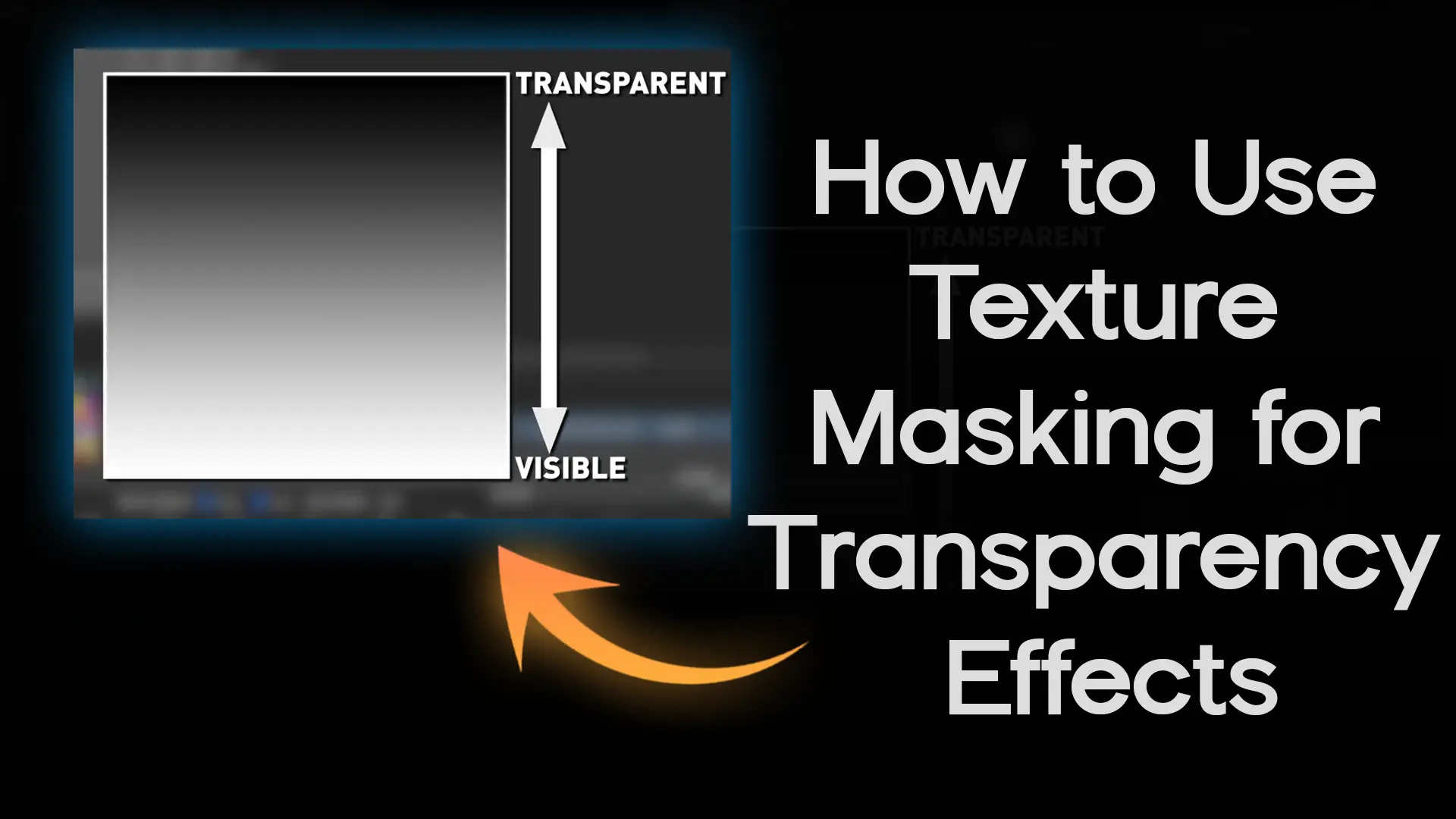
Learn how to create stunning transparency effects in Wasp3D Designer using texture masking! The process of applying transparency maps to 2D and 3D objects, allowing you to control which areas remain visible and which fade out.
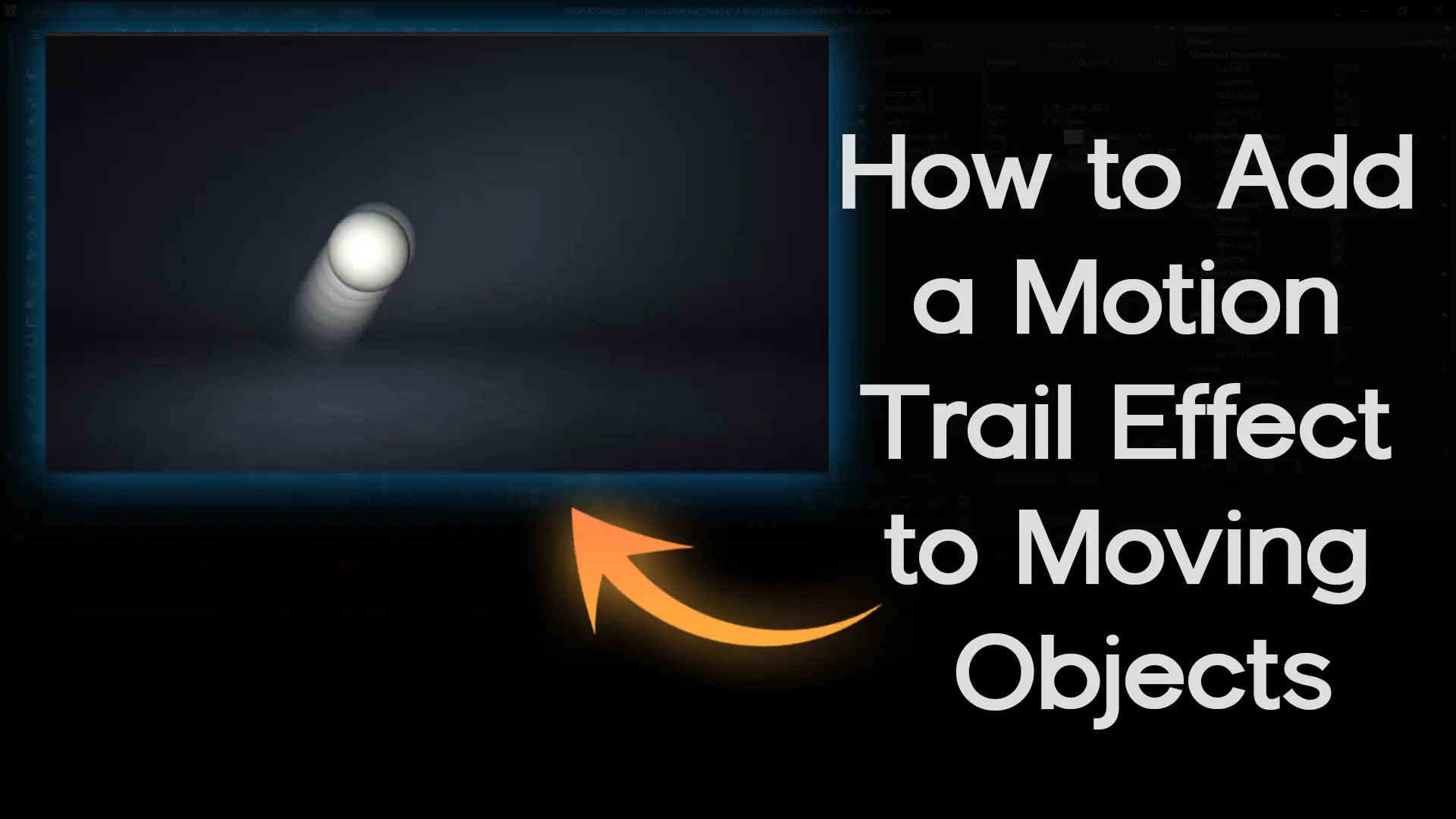
Learn how to create dynamic motion trail effects in Wasp3D Designer! Check how to add, customize, and control motion trails for objects in your scenes, giving your animations a professional and cinematic look.
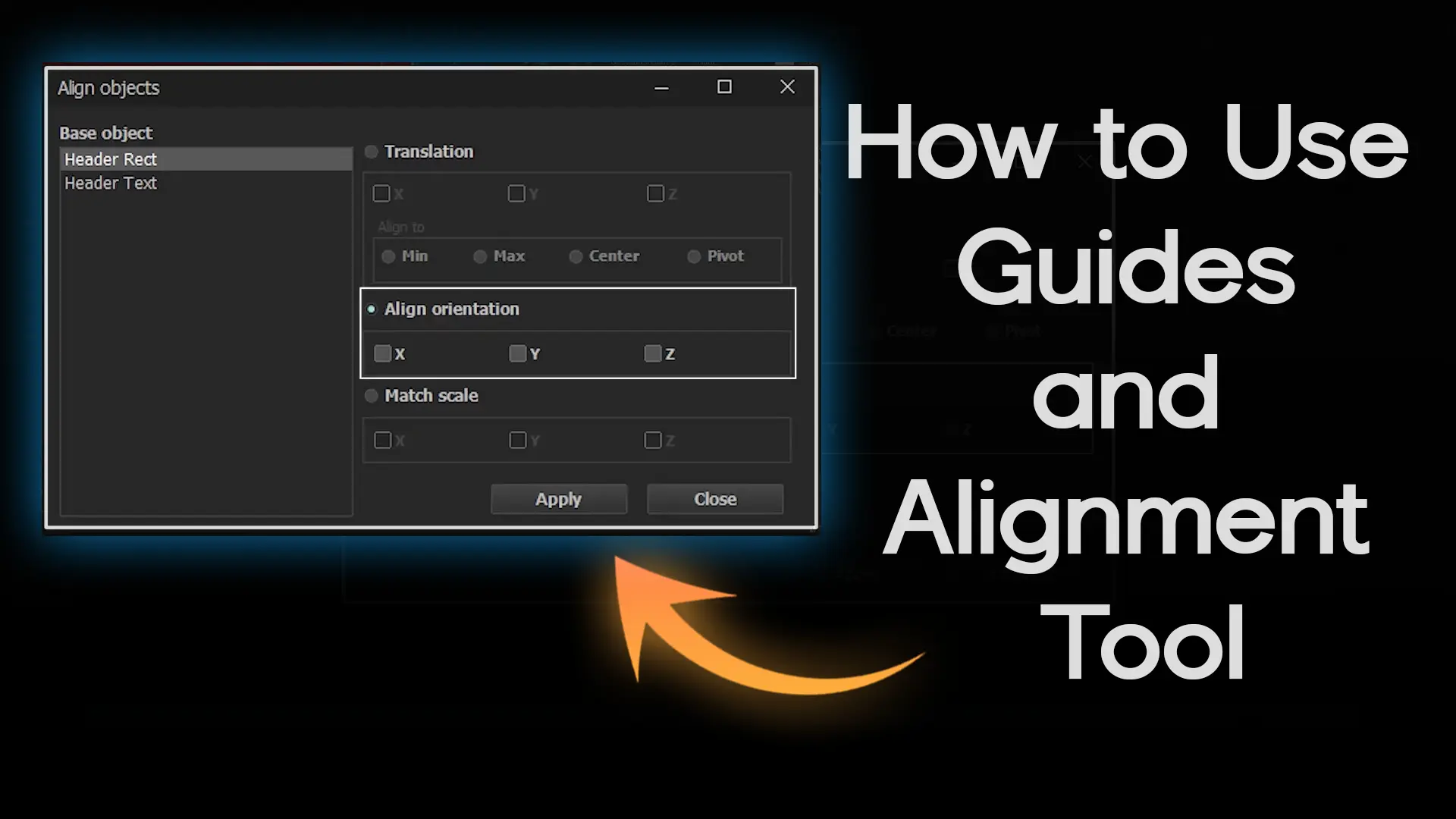
Learn how to design with pixel-perfect accuracy in Wasp3D Designer using Guides and the Alignment Tool! This tutorial shows you how to place objects precisely, align multiple elements efficiently, and maintain consistent orientation and scale across your scenes.

Learn how to design professional transparent overlays in Wasp3D Designer for videos, live feeds, or broadcasts! This tutorial covers both static and moving overlays, perfect for watermarks, logos, or text like “Exclusive” and “First Visual” in news bulletins.

Learn how to create stunning 3D text animations quickly using Text Effects Presets in Wasp3D Designer! In this tutorial, we’ll show you how to apply presets to both single and multiple text objects for professional animations.
Learn how to create reusable text animations in Wasp3D Designer! In this tutorial, we’ll show you how to save your dynamic text effects in Favorites, so you can apply them across multiple projects with ease.

Learn how to create stunning reveal effects using Gradient Wipe Masking in Wasp3D Designer! This tutorial shows step-by-step how to animate images and objects with smooth transitions using gradient textures.

Learn how to export your designs like a pro in Wasp3D Designer! In this tutorial, we’ll cover both Quick Render for single-frame snapshots and Render to Disk for full animation exports.

Learn how to use UV Mapping in Wasp3D Designer to map a single texture seamlessly across multiple objects. This quick tutorial shows how to align textures perfectly — creating jigsaw-like visuals using just one image.

In this quick Wasp3D tutorial, learn how to *archive and extract content* like templates, playlists, and programs inside **Wasp3D Designer**. We’ll walk you through how to back up, move, and restore your live graphics assets efficiently — so your workflow stays smooth during live productions.

Take your 3D designs to the next level with PBR textures in Wasp3D Designer! In this tutorial, we’ll explore how to apply Physically Based Rendering (PBR) textures to achieve realistic materials and reflections across your 3D objects.
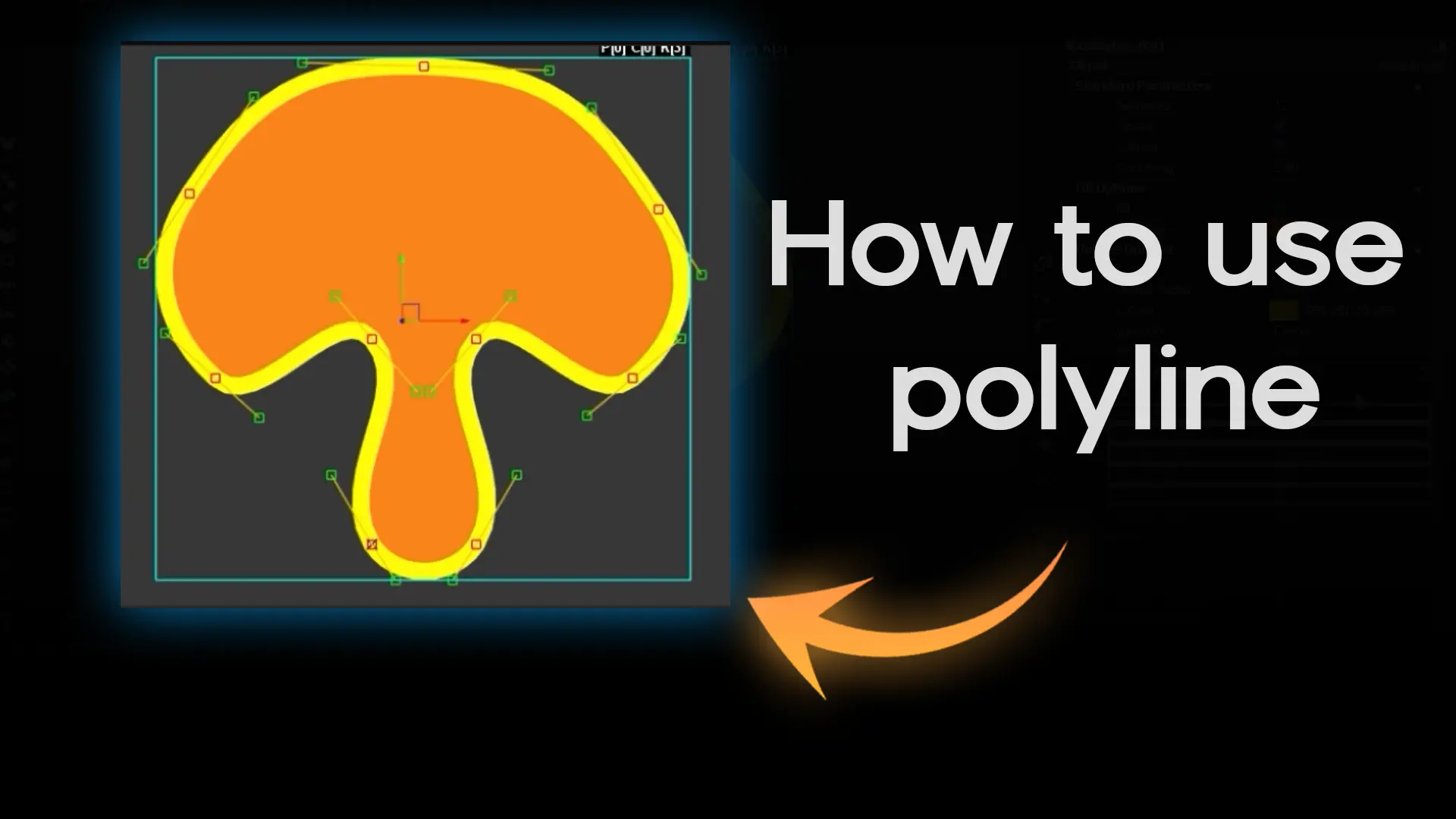
Learn how to create, edit, and customize shapes using the Polyline tool inside Wasp3D Designer. From adding points and curves to adjusting outlines and smoothing values — this short tutorial covers everything you need to draw smarter and faster.

Take your animations to the next level with detailed control in Wasp3D Designer! How to add and use keyframes for scale and rotation animations using Bezier movements, giving your motion graphics a professional, dynamic look.

Discover how to create professional live bugs for your livestreams. From live bugs to date & time, and location bugs, this step-by-step tutorial covers it all.
Learn how to create professional scrolling tickers in Wasp3D Designer! In this tutorial, we’ll cover both Simple Scroller and Category Scroller style sheets, so you can quickly set up animated news, program updates, or information tickers.

In this video, we walk you through a simple step-by-step process to customize a lower third ticker and add background color easily using OBS & vMix workflows.

How to create a LIVE cricket scoreboard, add team vs team graphics, and stream it directly to YouTube using OBS Studio and NDI—all for FREE.

In this video, we show you how to add both your logo and lower third at the same time during your livestream using a simple and powerful workflow.
Explore the best WASP3D offerings, curated for you
Contact Us